Why did the face change in my Banana Tree Run video, and how do I fix it?
Updated:
Short answer
Faces drift when the photo is tiny, dark, filtered or turned away, because the runner is seen from the side and moving. Pick a crisp, bright photo with a big face looking at the lens, check the bonus 5-second preview, then render the full video.
Quick fixes
- Crop tight so the face is big and crisp.
- Shoot in daylight. No sunglasses, no beauty filter.
- Use a photo in which you look at the lens.
- A single person or pet in each photo.
Why it happens
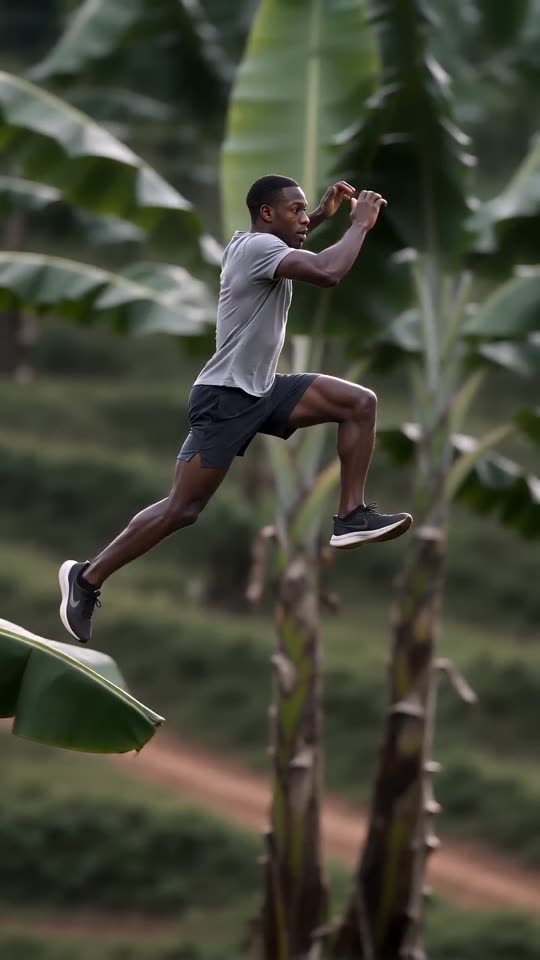
The camera follows the runner sideways at full speed, which means the model sees the face at an angle and moving. A clearer input gives it something solid to hold.
Questions people ask
Does a failed render cost me?
No. A failed run returns its credit by itself.
Is a full-length photo better?
Yes, for clothes and build, so long as the face stays large and readable.
Will the same photo give the same face every time?
No. Every run starts fresh, so faces vary a little.
Take your own run across the leaf tops
Add one photo. Every pack includes bonus previews, so you can check your photos before spending a credit. No watermark on the finished video, and no subscription to cancel.
Make my video