Explosion Walk prompt for Veo, paste-ready
Updated:
Short answer
Paste the labelled block into Veo and choose 9:16, with your photo as a reference image if your option has one. Clips top out at about eight seconds, so the boom moves to three seconds. Veo makes its own sound, so mute it before putting the Reel's audio on top.
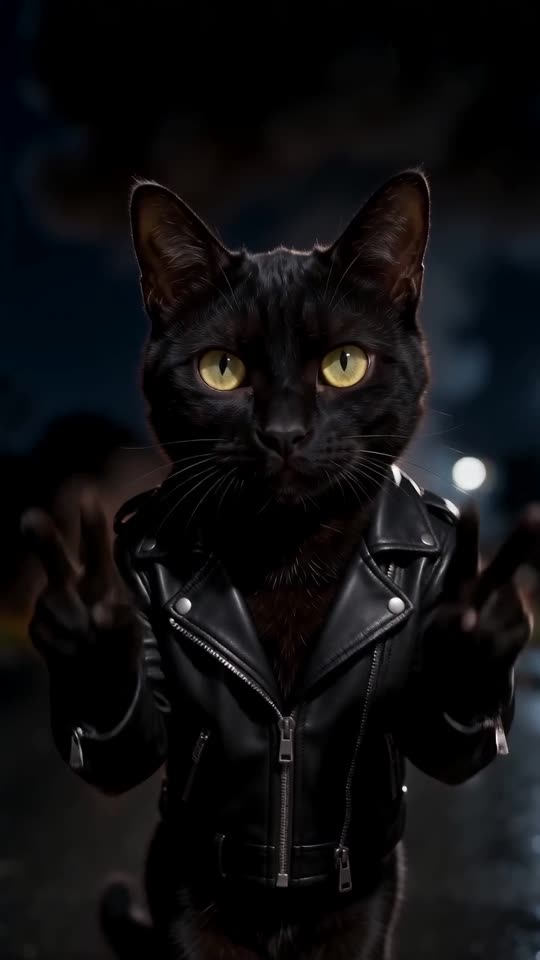
Labelled block for Veo
Subject: the person or pet in the reference image, with face, hair or fur, skin tone and clothes unchanged and nothing over the face, no sunglasses.
Setting: a deserted two-lane country road after dark, wet black tarmac, a bright white line down the middle running away from the lens, a few street lamps, red-and-white reflector posts on the right, black trees.
Camera: vertical 9:16, 8 seconds. One locked-off low-angle frame from the middle of the road, a hand above the ground, aimed down the white line. No movement, no cuts.
Action: from 0 to 1 s, far down the road and tiny in frame, the subject squats on the line and lights a long fuse with a lighter. From 1 to 3 s they stand and stroll toward the lens, relaxed, never looking back. At 3 s a huge fireball erupts far behind them and grows into a wall of orange flame and black smoke; they keep the same pace, unharmed. From 5.3 to 7 s the fire settles into embers and smoke as they arrive close to the lens, face sharp and warmly lit. From 7 to 8 s they stop, smile coolly and raise both hands in peace signs. No debris, nothing touches them.
Audio: deep cinematic drums, a short fuse hiss, one huge boom at 3 s. No dialogue, no singing, no lyrics.
Look: realistic footage, no on-screen text, logos or watermark.
What is different in Veo
- Keep the Audio label. Veo adds its own sound, and without a ban it can bring in speech or music.
- Eight seconds is the usual ceiling, so the beats keep their order and the times are squeezed.
- The subject starts tiny, so check the face once they reach the lens. If it has changed, run again with the photo as a reference image.
Questions people ask
Does Veo hold on to my face?
Frequently, if the photo is sharp and well lit. The walker starts small, so judge the face near the end of the walk, not at the start.
Does the prompt include a song or a real person?
No. The block describes the scene only, with no song, artist or real person, and the Audio line rules out speech and lyrics.
Will it equal what Ozil Goal AI produces?
Not exactly. Each tool moves in its own way, and Ozil Goal AI adds a timing guide for this template. Take the block as a starting point.
Put yourself on the Explosion Walk road
Add one photo. Every pack includes bonus previews, so you can check your photos before spending a credit. No plan to sign up for, and the finished video has no watermark.
Make my video