Turning two photos into a Hop Hop Hop clip
Updated:
Short answer
Upload a photo for the pointer and another for the jumper, or reuse one photo for a twin. Choose place, outfits and light, check a bonus preview, then spend 1 credit on the 8-second 720p clip.
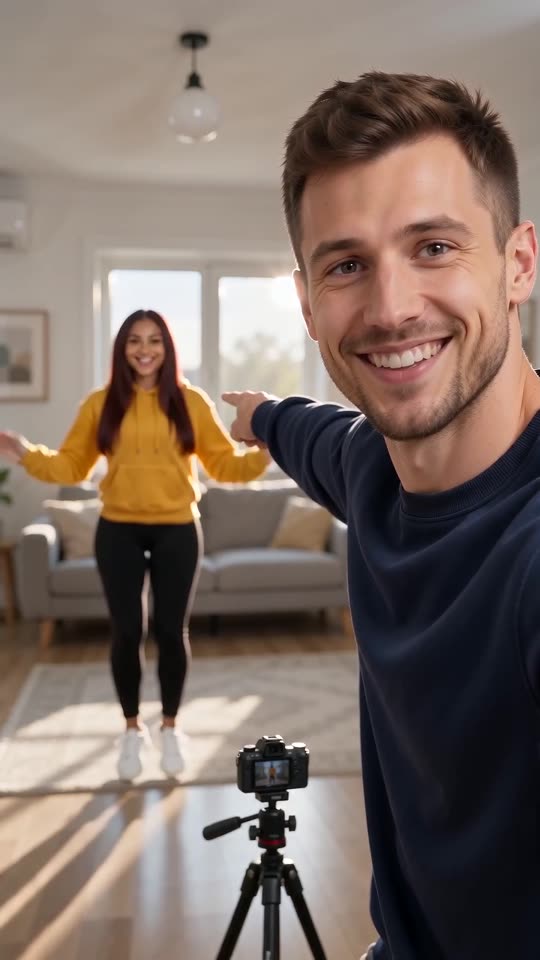
Photos to swap, step by step
- Go to the template page. Two upload boxes wait there, pointer first and jumper second. Fill them with crisp pictures of one adult or pet each, full length if you can.
- Playing both parts yourself? Use one photo in each box.
- Choose the place. The default is a bright living room, and four other places are on offer.
- Choose outfits and light. Your own clothes and daylight are the defaults.
- Pick a shape. Choose 9:16 or 16:9.
- Give consent and sign in with Google.
- Check a bonus preview (5 seconds, 480p) to see that both faces still match their photos.
- Render the full clip. It takes 1 credit and lands in My videos as an MP4.
What the model finds hard
Two similar outfits can blur together. Different colours help the model keep the pair apart. Squats and hops can bend a limb oddly, and a second run often looks cleaner.
Once it has rendered
Your MP4 and a share link wait in My videos. Slide your TikTok sound until its hit lands on the cut at about 4s.
Hop Hop Hop, answered
Is any typing needed?
No. Camera and cut are locked in. You supply photos and pick presets.
Does a full-length photo help?
Yes. Both characters hop and squat, so legs and clothes matter more than in a close-up.
May I close the tab while it renders?
Yes. The job continues on our servers and the video is saved to My videos under your account.
Point, hop, swap
Two photos in, one fixed-camera clip out. The finished video has no watermark and nothing renews.
Make my video