How do I put the iPhone Kupi sound on my video in time?
Updated:
Short answer
Our video is timed to the AI clip by @thecocovex, and its trending sound starts at 0 seconds. In TikTok open that clip, tap the sound, choose Use this sound and keep the start at 0 seconds; the unfold, dance and throw then land on the beat. It does not contain the actual song.
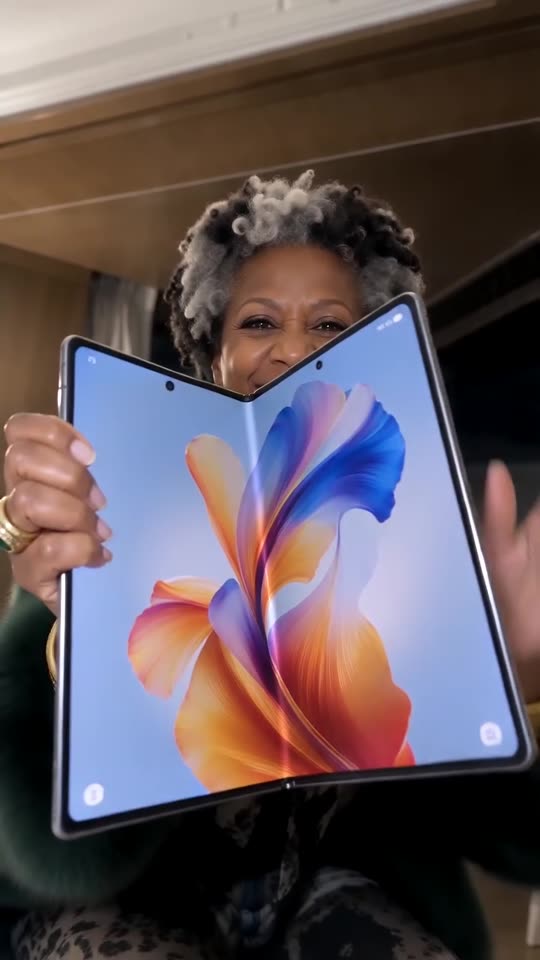
Adding the sound
- Get the video (or the silent version) from My videos.
- In TikTok, find the @thecocovex clip, press its sound name and pick Use this sound.
- Add the sound to your upload, starting at 0 seconds.
- To hear only the original sound, turn your video's own audio to 0.
Why our file has no song
TikTok songs belong to their rights holders. For that reason our file holds a new wordless AI instrumental, and the sound you want goes on inside TikTok, where it is licensed.
What happens when
Fifteen seconds hold four parts. The device is unfolded in the first 5 seconds, the dance runs from about 6 to 10, the toss and catch come between 10 and 11, and the spin fills the next three seconds before the walk out of frame at 14. The toss is the quickest test: if it lands on a clear beat, the rest should be close.
How to add the original sound in TikTok
Short version: download your video, open the original clip in TikTok, tap its sound name, choose Use this sound and add your video. The full tutorial with a video is on the template page.
Questions people ask
Which sound fits best?
The @thecocovex clip's sound, since our timing is copied from that clip, starting at 0 seconds.
Can the AI soundtrack stay?
Yes. It is new AI music without lyrics and changes between runs.
Does the preview sync as well?
No. The 5-second preview moves faster; only the 15-second video follows the full timing.
Your turn: the iPhone Kupi Dance
15 seconds of HD video cost $8.88 and up, made from one photo. Subscriptions do not exist here, and the finished file has no watermark.
Make my video