Why did the face change in my Missed Train Dance AI video?
Updated:
Short answer
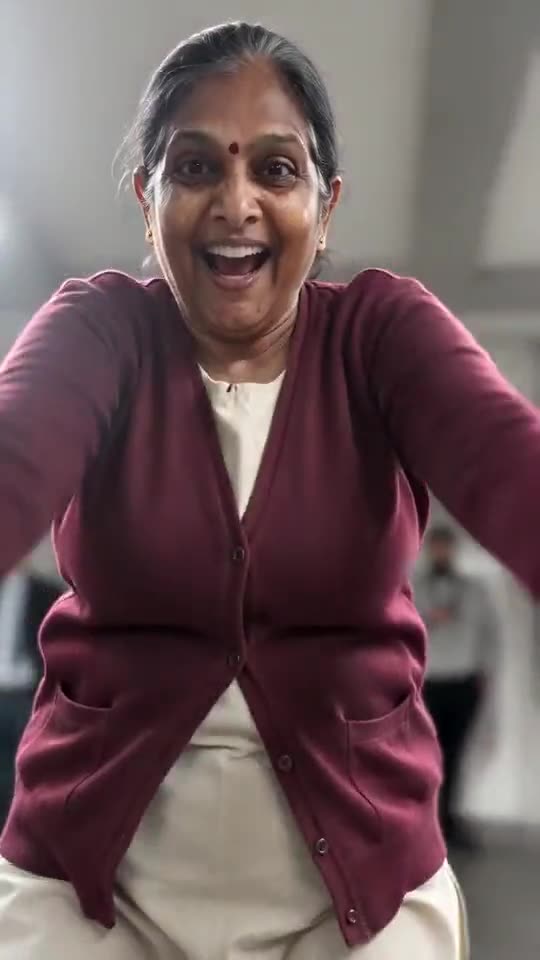
Faces drift when the source is small, dark, filtered or turned away, and in this clip the head whips around, ducks and swings near the lens. Start with a crisp, well-lit picture facing the camera, test a 5-second preview run, and spend credits on the full render only after that.
Fast remedies
- Crop tight so the face fills the picture and stays sharp.
- Shoot in daylight, without sunglasses or a beauty filter.
- Choose a shot where the subject looks straight into the lens.
- Keep to one person or pet per picture.
The cause
In this scene the runner is seen head-on, then from behind, then very close, all through a shaky phone camera. If the input is cleaner, the model has more to hold onto across all three views.
Questions people ask
Does a failed render cost me?
No. A failed run returns its credit by itself.
My dog's colours shifted, what helps?
Use a picture taken in good light, so the fur and markings are easy to read.
Will running it again give a different result?
Yes. Each run is generated from scratch, so small details change. Another run costs 1 credit, and the preview runs bundled with every pack are the cheapest way to vet a picture first.
Build your own Missed Train Dance clip
Send a single picture and get a 15-second HD clip starting at $8.88. Nothing renews, and the finished file carries no watermark.
Make my video