Turning one photo into a One Man Army video
Updated:
Short answer
Provide a photo of one adult facing the camera, decide whether to touch the four presets, and the template stages all three shots. Watch a bonus preview, then spend 1 credit on the 10-second 720p clip.
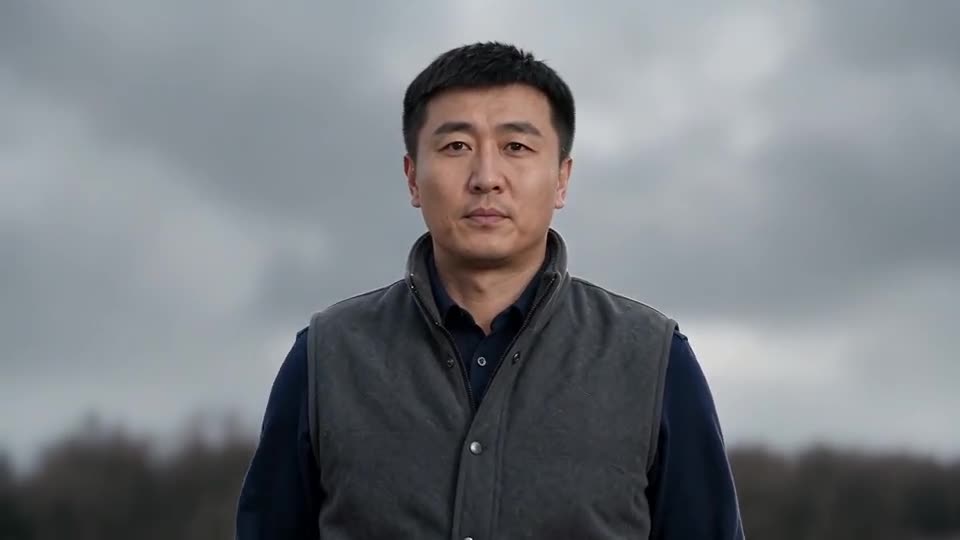
Photo to last stand, step by step
- Open the generator on the template page. One upload box is all there is. Fill it with a crisp picture of one adult, waist up or lower, eyes open.
- Choose the battlefield. The default is a misty moor, and five others are on offer.
- Choose weapon, enemy and outfit. The defaults are a long sword, horsemen and your own clothes.
- Pick a shape. Choose 16:9 or 9:16.
- Give consent and sign in with Google.
- Check a bonus preview (5 seconds, 480p) for the face and for the number of heroes.
- Render the full clip. It takes 1 credit and lands in My videos as an MP4.
The shots built in
The first shot is from behind, the second is a close-up and the third is a low shot of the charge. At about 6.5s the weapon comes out, and by about 8.5s it is held high.
Once it has rendered
Find the MP4 and a share link in My videos. Any sound you like can be added inside TikTok.
One Man Army, answered
Is any typing needed?
No. Camera and shots are locked in. You supply a photo and pick presets.
Why only one person in the photo?
The whole scene is about one hero standing alone, and a second face confuses the model.
Must I stay on this page?
Yes. The job continues on our servers and the video is saved to My videos under your account.
Be the last one standing
One photo in, one battle clip out. The finished video has no watermark and nothing renews.
Make my video