Fridge cam heist video won't land on the beat, how do I sync it?
Updated:
Quick answer
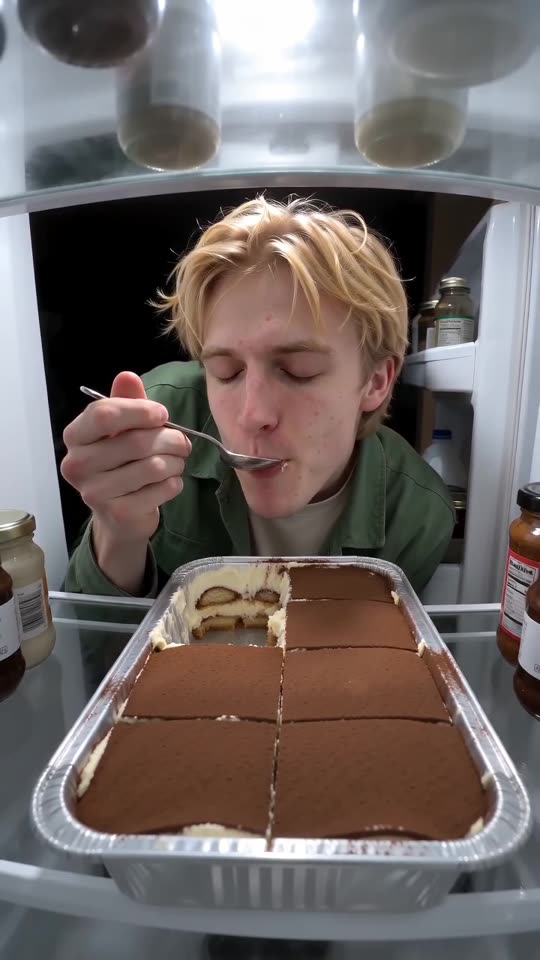
Each track has its own beat, so pick the moment to sync: the door closes just past the halfway point and reopens about a second later. In TikTok or Reels, start the sound at 0 seconds and slide it until the drop hits the black frame. Every render is new, so a little drift is normal.
Fixing it while editing
- Start from the 15-second full video; the preview runs faster.
- Set the sound to begin at 0 seconds.
- Turn the video's own audio off or well down.
- Slide the sound until its drop hits the moment the door shuts.
Where the drift comes from
Timing follows the viral clip, yet the model still improvises every movement, so the door may close a few frames sooner or later.
What people ask about the fridge cake heist
Can I just render it again?
Yes, a second render costs another credit. Nudge the sound earlier or later in your editor first, because that usually cures a slip.
Is the silent version any help?
Yes, because only the sound you choose is left.
Should I keep the clip's own audio?
Switch it off when you add the trending sound, so the two tracks don't clash.
Catch your own culprit
Pick one picture. Every pack includes bonus previews, so you can check your photos before spending a credit. There is no subscription, and the finished video carries no watermark.
Make my video