Turning photos into a Pray For Me slow-motion video
Updated:
Short answer
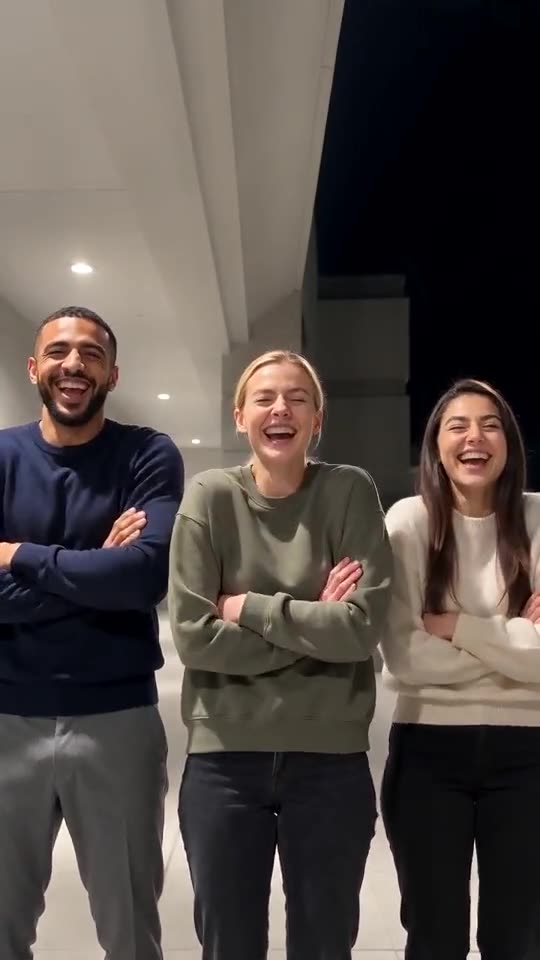
Upload two or three photos of different people, keep the night walkway or pick another place, and set the light and outfits. Preview a bonus clip first, then spend 1 credit on the 10-second 720p clip.
Photos to slow motion, step by step
- Go to the template page. Box one is the first runner, box two the next and box three is optional.
- Fill the boxes with crisp pictures of one person, pet or toy each, head to waist or lower.
- Choose the place. The default is a covered night walkway, and five other places are on offer.
- Choose light and outfits. Warm ceiling lights and your own clothes are the defaults.
- Pick a shape. Choose 9:16 or 16:9.
- Give consent and sign in with Google.
- Check a bonus preview (5 seconds, 480p) for the faces and the head count.
- Render the full clip. It takes 1 credit and lands in My videos as an MP4.
How the photo count matters
Three photos mean one run each. With two, the first person runs a second time on the way to the line-up. Camera, slow motion and finish are identical either way.
Once it has rendered
Find the MP4 and a share link in My videos. The file has natural sound only, and any song you want goes on inside TikTok.
Your Pray For Me questions
Is any typing needed?
No. Camera and beats are locked in. You supply photos and pick presets.
Can I use a group photo?
No. Each slot takes one subject, so crop group shots into separate files.
Do I have to wait on this page?
Yes. The job continues on our servers and the video is saved to My videos under your account.
Run in slow motion
Send two or three photos and receive one quarter-speed clip. The full video has no watermark and no plan is involved.
Make my video