My Stones to Castle video changed the face: what do I do?
Updated:
Short answer
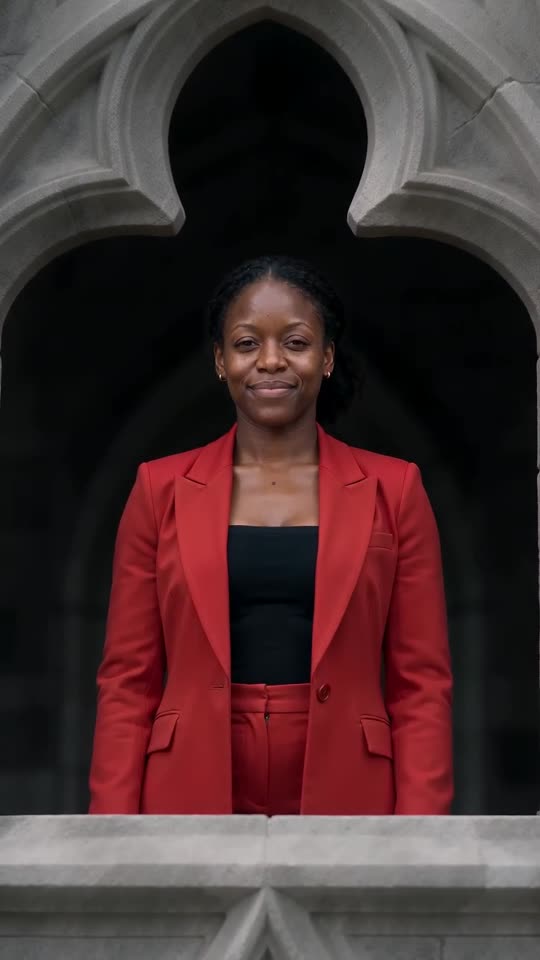
Faces wander when the photo is small, dim, filtered or turned aside, and also in the far aerial shots and the high castle window. Choose a crisp, bright picture with a big face looking forward. Check a bonus preview first if your pack includes one.
Quick repairs
- Crop in closer, so the face is big and sharp.
- Shoot in daylight, without sunglasses or a beauty filter.
- Choose a shot in which the subject looks into the lens.
- Keep a single person or pet in frame.
Why it happens
The film alternates close-ups, far-off aerials and a lofty window, so the hero is often small. Sharper input gives the model something to cling to.
Questions people ask
Am I charged for a failed render?
No. A failed run refunds its credit on its own.
My cat’s coat changed shade, what helps?
Pick a photo taken in good light, where the fur colour and markings are easy to read.
Do I have to subscribe to retry?
No. Credits are bought once and last, and a full 15-second video uses 1.
Build your own castle video
Add a single photo. Every pack includes bonus previews, so you can check your photos before spending a credit. No subscription, and finished videos are clean of watermarks.
Make my video