Why did a face or fur colour change in my Babydoll Dance video, and what fixes it?
Updated:
Short answer
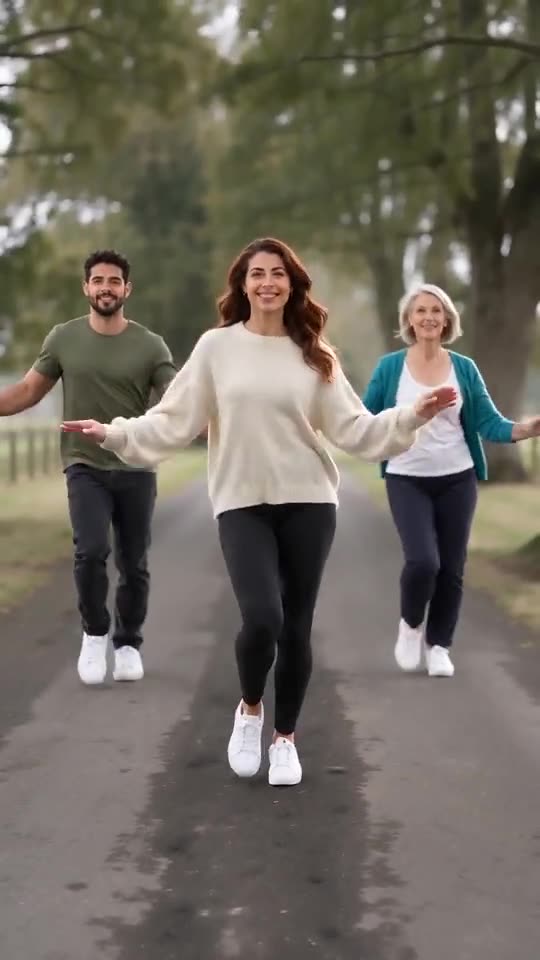
Faces and fur drift when a photo is small, dark, filtered or taken from the side, and here the dancers turn and move so much that the model views them from every angle. Give each dancer a sharp, well-lit, front-facing photo, try a 5-second bonus preview, and render the full video last.
The usual causes
- Tiny faces: in a full-body shot the face gets few pixels.
- Dark or blurry photos: the model fills in missing detail by guessing.
- Side-on angles: the far half of the face has to be invented.
- Lookalikes or black-coated pets: similar subjects may blend, and dark fur swallows detail.
What to change
Choose a front-facing photo where the face is easy to see, trim the extra background, and cast dancers who look different. The photo guide lists everything.
Questions people ask
Are the viral clip’s own dancers copied into my video?
No. Only the timing and the movement are borrowed; faces, fur and clothes all come from your photos.
Do identical photos always give an identical video?
Not quite. Each run lands a little differently, even with the same photos.
Is another attempt free if I dislike the face?
A failed run is refunded automatically, but a video that rendered correctly is not repeated for free.
Put your crew on the country lane
Send one to four photos and get 15 seconds of HD video, from $8.88. Nothing to subscribe to, and the end result is watermark-free.
Make my video