Which photos give the best Babydoll Dance result?
Updated:
Short answer
Add a clear photo of the lead dancer and up to three more of friends or pets, each with a single adult or pet. Full body works best, facing the camera in good light, since everyone dances. Accepted files: JPG, PNG or WebP up to 10 MB, with sides from 300 to 6000 pixels.
File limits
- JPG, PNG or WebP, 10 MB at most per file.
- Both dimensions from 300 to 6000 pixels.
- A width-to-height ratio from 0.4 to 2.5.
- Only photo 1 is mandatory.
Picking a photo that works
- A single adult or pet per photo, looking toward the camera.
- Decent light and a crisp face; skip sunglasses and masks.
- The whole body in view helps, since the whole body dances.
- Simple clothes with no large prints or writing, which keeps stray graphics out of the video.
- Clear colours and markings on pets let the coat carry over.
- Subjects that look different are easier to tell apart than lookalikes.
Who may appear
Pets are fine, and so are adults who consented. Toys, drawings, minors, celebrities and famous characters are not. The precise rules are in the photo consent rules and the acceptable use policy.
What each box does
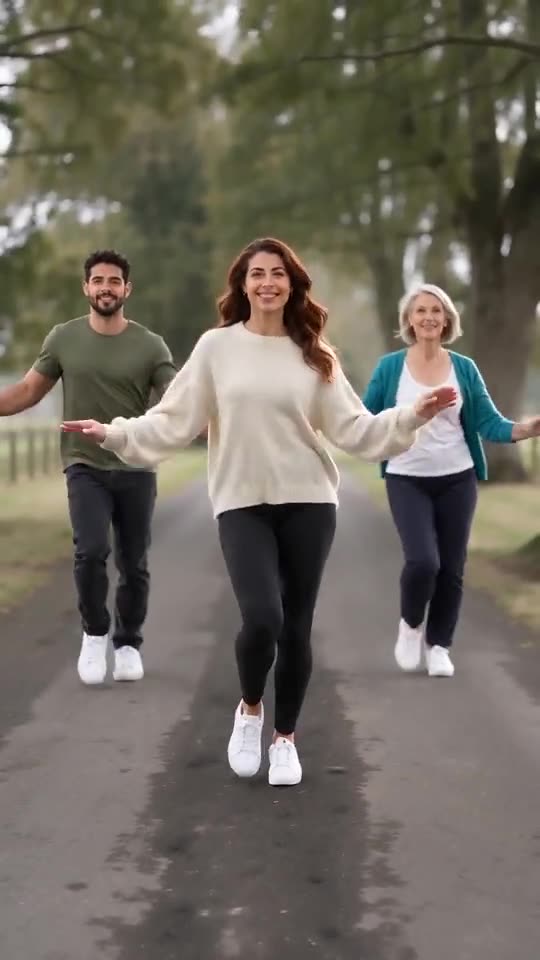
Photo 1 is the lead dancer, centred and a step in front. Put photo 2 on the lead’s left, photo 3 on the right and photo 4 at the far right. With just two photos, the lead stands slightly right of centre and the other dancer to their left.
Questions people ask
Will a group shot do?
No, each box wants a single subject. Crop a group picture so that only one adult or pet remains.
Is a plain backdrop needed?
No, any background works, because the lane is generated anyway.
When do my uploads get deleted?
They stay in private storage and are erased on their own 14 days after upload.
Put your crew on the country lane
Send one to four photos and get 15 seconds of HD video, from $8.88. Nothing to subscribe to, and the end result is watermark-free.
Make my video