Why does the face drift in my Iceman AI video, and how do I fix it?
Updated:
Short answer
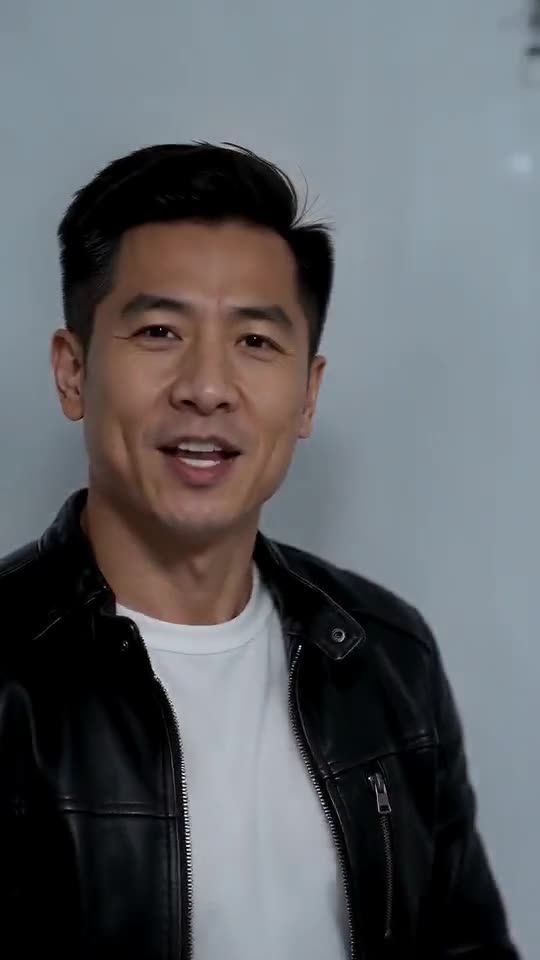
Small, dark, filtered or turned-away photos make faces drift. This clip also starts at the lens, then shows you in profile and from behind, so the model must hold your face from several angles. Begin with a crisp, well-lit, front-facing photo, run a 5-second bonus preview, then render.
Quick fixes
- Crop tighter so the face fills more of the picture.
- Shoot by a window; leave off sunglasses and beauty filters.
- Look straight at the lens.
- Keep a single adult in frame.
Why it happens
The more detail your photo holds, the more the model can keep hold of across all three views.
Common questions
Do I pay for a failed video?
No, a failed run returns its credit by itself.
Does one photo always give the same clip?
Not quite; every run differs a little.
If I run it a second time, will it differ?
Slightly, since each run is made fresh. Another run takes 1 credit, so the bonus previews in your pack are the cheaper way to test first.
Your own cold-room rap clip
Send one photo and 15 seconds of HD video come back for $8.88 or more. Nothing recurring to pay, and the file is clean of watermarks.
Make my video