How do I turn my photo into an Iceman AI video?
Updated:
Short answer
Upload a photo of one adult, choose a place and an outfit, and Ozil Goal AI builds the cold-room rap around you. Test first with a 5-second bonus preview, then spend 1 credit on the 15-second 720p clip. The tab can be closed during rendering; add a trending sound in TikTok afterwards.
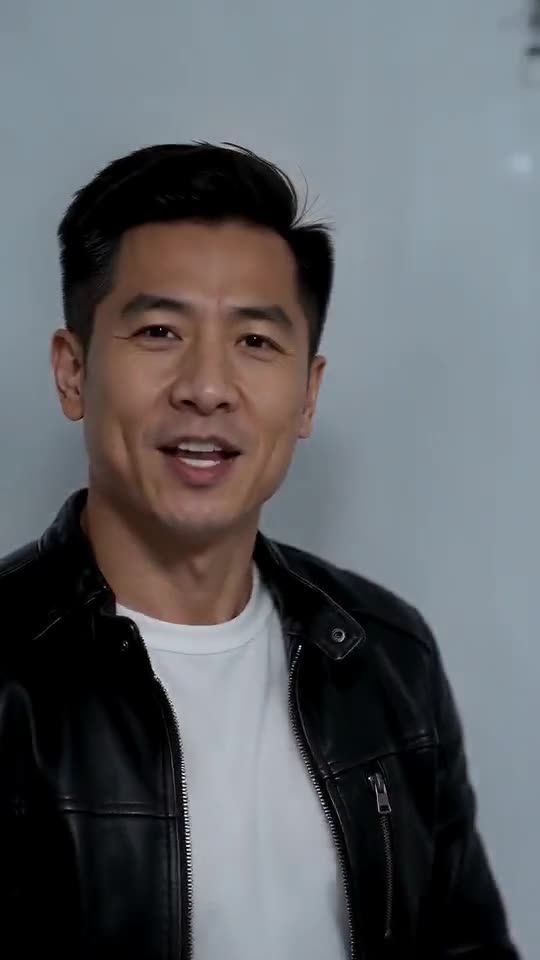
The steps
- Start at the generator above and add a single photo.
- Pick place and outfit. Places: cold storage, warehouse, frozen freezer, stockroom. Outfits: leather, denim, puffer, blazer.
- Choose a shape. Tall 9:16 suits TikTok, Reels and Shorts, wide 16:9 suits YouTube and desktop.
- Agree to the photo consent and sign in with Google.
- Try a bonus preview (5 seconds, 480p) and look at the face and opening beats.
- Run the full video for 1 credit, then keep the MP4.
Why there is no prompt
Everything on screen is baked into the template: freezer room, handheld camera, rap, shelf walk, poses. The photo settles only who is in it.
Expect small differences each time you run it.
When it is done
The clip waits in My videos, ready to download or share by link. Sound is covered in the sound guide.
Ozil Goal AI is independent; the artist, label and poster of the trend are not connected to it.
Common questions
Should I write anything?
No. The template already has room and camera. All you give it is a photo, a place, an outfit and a shape.
Is it safe to shut the tab mid-render?
Yes. Rendering continues server-side and the result appears in My videos.
9:16 or 16:9?
TikTok, Reels and Shorts like 9:16; YouTube and desktop like 16:9. Bonus previews work in either shape.
Your own cold-room rap clip
Send one photo and 15 seconds of HD video come back for $8.88 or more. Nothing recurring to pay, and the file is clean of watermarks.
Make my video