How do I make this dance video with AI?
Updated:
Short answer
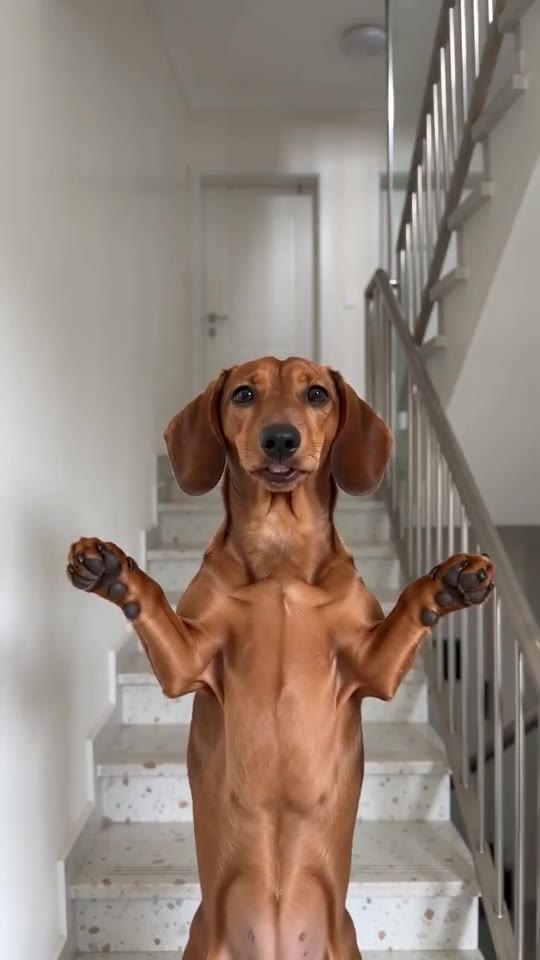
Upload a photo of yourself, an adult friend or your pet and choose a place and outfit; Ozil Goal AI handles the rest. A 5-second bonus preview checks it, then 1 credit buys the 8-second 720p video. The TikTok sound goes on at 0 seconds, and no prompt is ever needed.
Steps
- Start in the generator above and upload one adult or one pet.
- Set place and outfit. Four places and three outfits are on offer; the defaults are the stairwell and your own clothes.
- Choose the shape. Tall 9:16 suits TikTok, Reels and Shorts; wide 16:9 suits YouTube.
- Tick the consent box, then sign in with Google.
- Run a bonus preview (5 seconds, 480p) to see how the face and poses come out.
- Render the full video, which costs 1 credit, and save the MP4.
- Add the sound in TikTok from 0 seconds, using the clip we follow.
Why nothing is typed
The stairwell, both poses and the locked camera are built in, copied from the real-person clip. Whoever is in your photo does the singing.
Poses come in a set order, so a sound started at 0 seconds fits. Faces and motion still vary between runs.
After rendering
Your clip waits in My videos for download or a share link. Before posting, check the sound guide for which sound to add.
Ozil Goal AI stands alone: Dragon Ball, the artist and the original posters have no part in it.
Questions people ask
Do I type a prompt?
No. The scene is preset; you only choose photo, place, outfit and shape.
Do I need to film anything?
No, not even a staircase. The stairwell is generated from your photo alone.
Is closing the browser tab safe mid-render?
Yes. Rendering continues on our servers and the result lands in My videos.
Tall or wide?
Tall 9:16 for TikTok, Reels and Shorts; wide 16:9 for YouTube or a desktop. Bonus previews work in both.
Put yourself in the stairwell
One photo gets you 8 seconds of HD video for $8.88 or more. No subscription, and the finished file carries no watermark.
Make my video