Stiff laugh or missing spin in my Oh You Can Make It Cap AI video, what can I do?
Updated:
Short answer
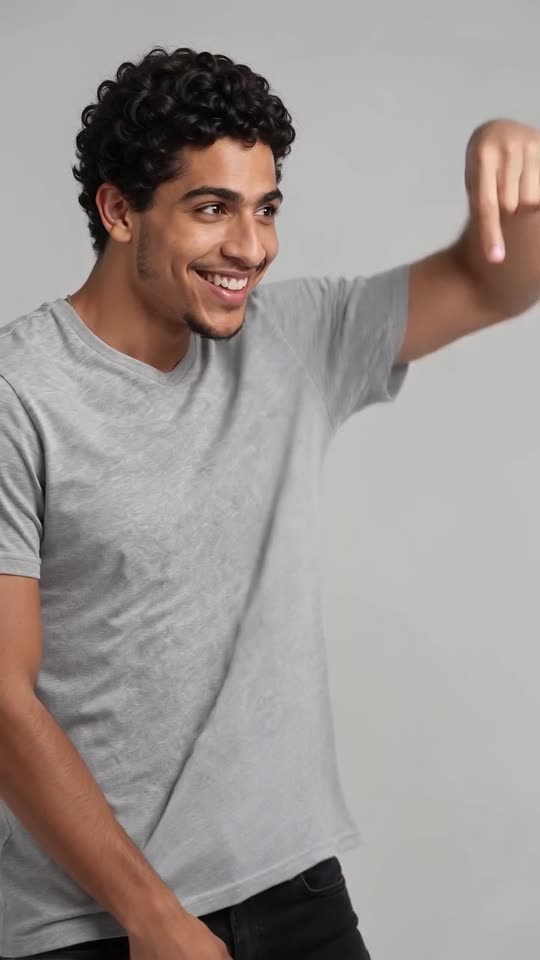
Laugh and spin are generated, so they differ per run. A stiff expression or a hand over the mouth gives a stiff laugh, while a tight or sideways photo of the spinner can cut the turn short. Choose a smiling, front-facing photo of each person and check a 5-second bonus preview; if it still looks flat, run again.
Causes
- Serious or covered faces: the model begins with the look in your photo.
- Tight crops: a face-only photo gives the model nothing to turn or to hold the bag with.
- Chance: a gesture may come out smaller than in the viral remake.
What to do
Choose a photo where the person smiles with the mouth slightly open, from the waist or knees up. Testing with a bonus preview is cheaper than spending a credit.
Questions people ask
Can I request a louder laugh?
No; with no prompt box, a smiling photo is your best lever.
Is the spin affected by the bag?
Slightly. The red handbag is the closest to the viral remake, and the puppy has been tested least.
Do previews behave the same?
Previews follow the same beats, just shorter and softer in quality.
Your photos, your spin, your laugh
Two photos in, 14 seconds of HD video out, from $8.88. Nothing to subscribe to, and the file carries no watermark.
Make my video