Picking photos for an Oh You Can Make It Cap AI video
Updated:
Short answer
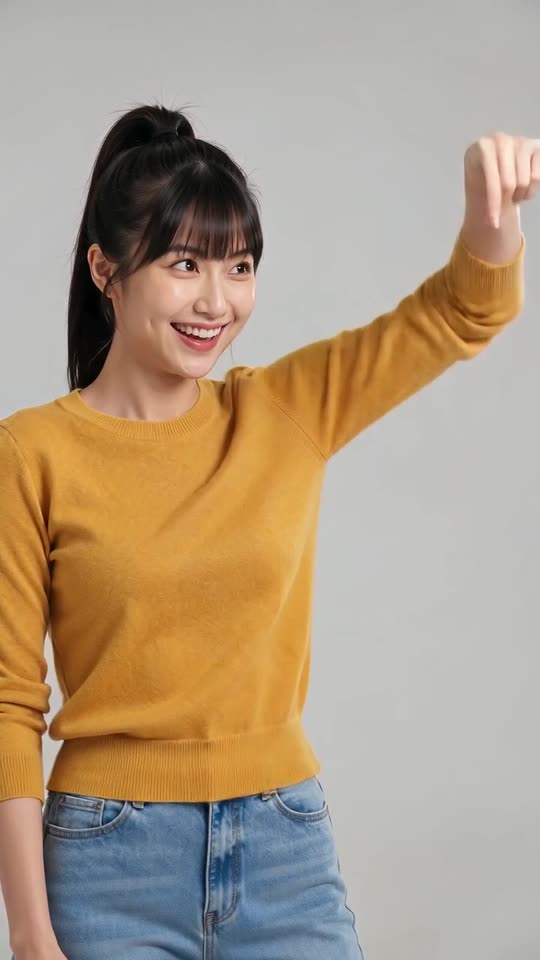
Pick two sharp photos of adults, one per role: the laugher and the spinner. Every photo shows one person, ideally waist-up or knee-up, facing the lens in decent light, as both appear in close-ups.
File limits
- Up to 10 MB per photo, as JPG, PNG or WebP.
- Each side must be 300 to 6000 pixels long.
- Aspect ratio from 0.4 to 2.5.
- Both photos are required.
A good photo
- A single adult facing the lens.
- Bright light and a crisp face; sunglasses and masks hide too much.
- Show more than a face: shots are tight and the second person turns right round, so waist-up works best.
- Different-looking people stay apart more easily than lookalikes; a clone from one photo also works.
Who may appear
Full details are in the photo consent rules and the acceptable use policy.
Which box is which
Box one is for the laugher, who asks for the turn and then cracks up. Box two is for the spinner, who carries the bag. Swap photos flips the two.
Questions people ask
Is a group photo accepted?
No: each box takes one person, so crop the group down to one adult first.
Does the background matter?
Not at all; the studio is generated, so any backdrop is fine.
What happens to my uploads afterwards?
They remain private and are removed automatically 14 days after you upload them.
Your photos, your spin, your laugh
Two photos in, 14 seconds of HD video out, from $8.88. Nothing to subscribe to, and the file carries no watermark.
Make my video