Prank Mask AI: the face that returns isn't mine, what should I change?
Updated:
Short answer
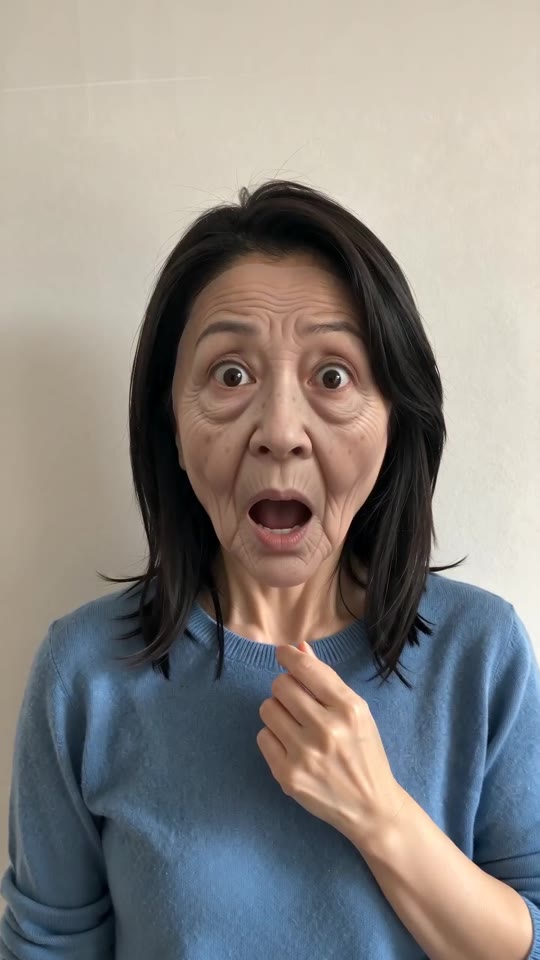
Faces drift with small, dark, filtered or turned-away photos, or with another person in frame. Because the clip ages the face first, the model has to remember two faces. Choose a sharp, bright, front-facing photo, check a 5-second bonus preview, then render.
Fixes
- Crop closer so the face is large and crisp.
- Daylight, bare eyes and an unfiltered picture all help.
- Choose one where you look into the camera.
- Keep everyone else out of it.
Cause
The face must age and then come back unchanged. A tiny, tilted or filtered image gives the model little to rebuild from, so input quality counts for more here than in most templates.
Questions people ask
Is a failed render billed?
No; the credit returns automatically.
Will choosing an outfit alter my face?
No, only the clothes change.
Does re-running change the outcome?
Yes: each run is generated afresh, so details shift. Another run costs 1 credit; the bonus previews in a pack are the cheapest way to test.
Make the peel-off with your own face
Send one photo and receive a 5-second HD clip, priced from $8.88. Nothing is billed monthly, and finished clips carry no watermark.
Make my video