Which sound suits a Prank Mask AI clip?
Updated:
Short answer
No trend song needs matching: the creators we follow talk over their own clips, so any playful sound works. Our clip includes a generated instrumental, although AI audio sometimes adds made-up voices. Layer your own sound in TikTok or save the silent file.
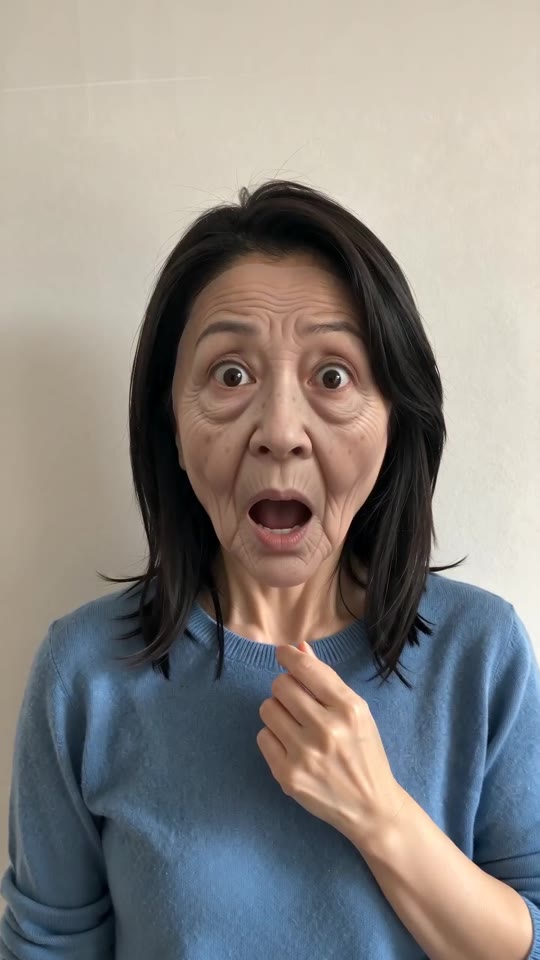
Adding a sound
- Save the clip (or the silent copy) from My videos.
- Open TikTok, tap Add sound and search for something playful or comic.
- Mute the clip's original audio if only your sound should play.
- Slide the sound so its hit lands as the face ages, about 1s in.
Why we include our own track
TikTok songs belong to their owners, so none is included. The video holds fresh AI music and comic effects, and you choose a sound inside TikTok, where it is licensed.
Adding a sound to your Prank Mask AI clip in TikTok
Our clip comes with a generated instrumental, a small boing and a rubbery peel sound, timed to no song; AI audio can still add made-up voices. Since the creators we follow talk over their own clips, there is no trend sound to match, so choose any playful sound in TikTok or use the silent file from My videos.
- In TikTok, tap Add sound, search for something playful or comic and choose Use this sound.
- Tap Upload and choose the file you saved from us.
- Set the clip's own volume to 0, or use the silent copy from My videos.
- Slide the sound until its hit meets the instant your face turns old (about 1s), trim to the clip's length and post.

Need to move where the sound starts? This short video shows how to trim it.

Video: How To Trim Sound On TikTok 2026 (Very Easy) by Software Solutions on YouTube
Questions people ask
Is there an official sound?
Not a shared one; both posts we follow use the creator's voice-over rather than a song.
Is the AI soundtrack usable?
Yes. It is generated anew each run, and since AI audio can include made-up voices, listen before posting.
Does the preview sound the same?
Its soundtrack is the same kind, and it can be downloaded.
Make the peel-off with your own face
Send one photo and receive a 5-second HD clip, priced from $8.88. Nothing is billed monthly, and finished clips carry no watermark.
Make my video