Why did a face or fur colour change in my Puerto Rican Mami video, and what fixes it?
Updated:
Short answer
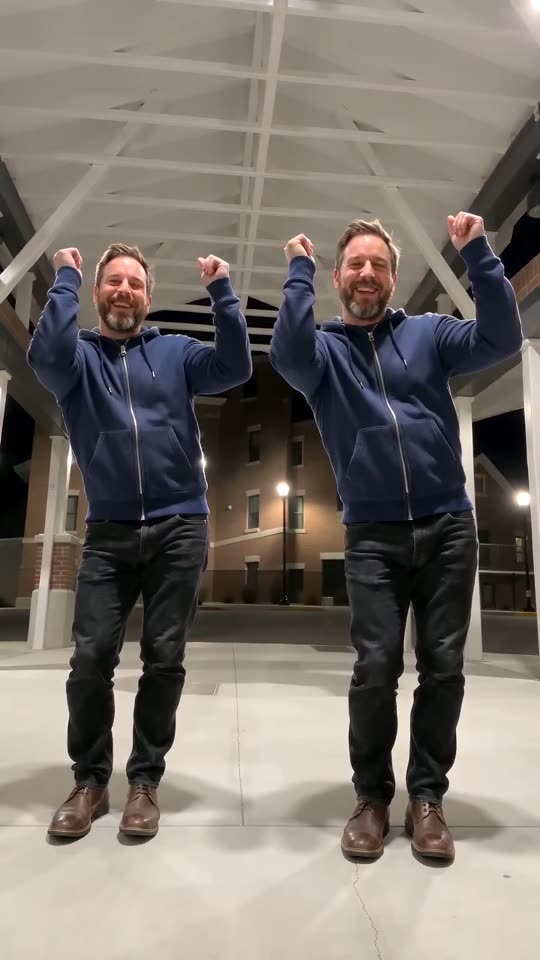
Faces and fur drift when a photo is small, dark, filtered or taken from the side, and here both dancers move so much that the model views them from every angle. Give each one a sharp, well-lit, front-facing photo, try a 5-second bonus preview, and render the full video last.
The usual causes
- Small faces: a full-body shot leaves the face with very few pixels.
- Dark or blurry photos: the model has to guess what it cannot see.
- Side-on angles: the hidden side of the face must be made up.
- Lookalikes or black-coated pets: similar subjects can merge, and dark fur swallows detail.
What to change
Choose a front-facing photo where the face is easy to see, trim the extra background, and pair two subjects who look different. The photo guide lists everything.
Questions people ask
Are the viral clip’s own people copied into my video?
No. Just the timing and the movement are borrowed; faces, fur and clothes come entirely from your photos.
Do identical photos always give an identical video?
Not exactly. Each run comes out slightly different, even with the same photos.
Is another attempt free if I dislike the face?
A failed run is refunded on its own, but a video that rendered fine is not repeated for free.
Put your two dancers on the walkway
Two photos in, a 15-second HD video out, from $8.88. No subscription, and no watermark on the finished video.
Make my video