The moves in my Puerto Rican Mami video miss the beat: what do I do?
Updated:
Short answer
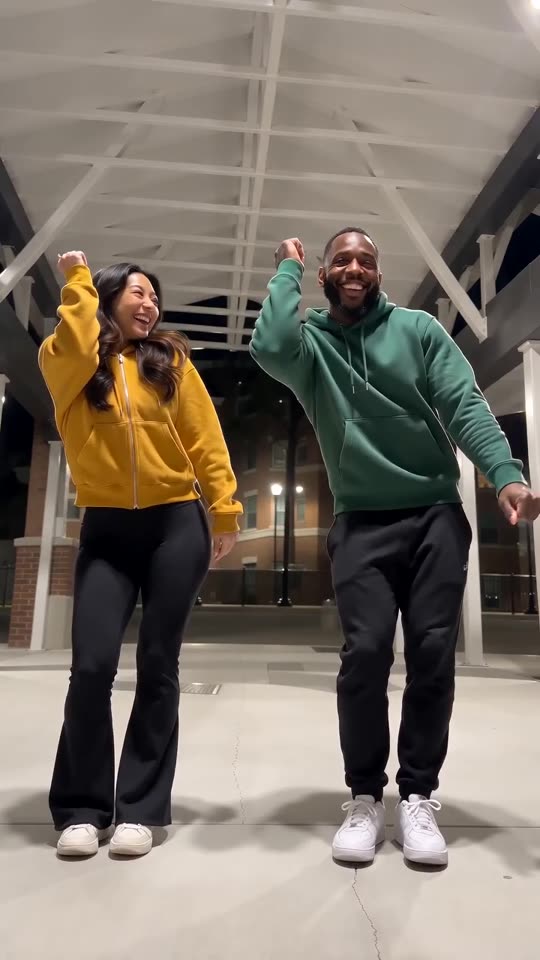
Let the sound begin at second one and cut it to size. Our clip is built on the @_kenyaad and @brebre walkway original, so use that post’s own audio from 0 seconds. The AI renders every run anew, so a move might come a few frames early or late, and the 5-second preview never fits.
The usual causes
- The sound starts late in the track: some apps jump to the catchiest part.
- Another cut: versions of the sound can start a second or two apart.
- Model variation: a move may be started slightly early or late by the AI.
What to change
Open the sound’s timeline in your editor and pull its start back to 0:00. Then check that the change of sides, at roughly 8 to 10s, hits a beat. When the end still slips, test the sound from a different post or shift it by a few frames. Timing is covered in the sound guide.
Questions people ask
What should I line up first?
Start with the change of sides, at roughly 8 to 10s.
Does the site attach the sound itself?
No. Its own generated audio comes with the video; the trending sound is something you put on in the app.
Is the short preview timed like the full video?
No, the 5-second preview packs the beats tighter, so only the full video fits the sound.
Put your two dancers on the walkway
Two photos in, a 15-second HD video out, from $8.88. No subscription, and no watermark on the finished video.
Make my video