Why doesn't the face in my Driver Put Phone Away video look like me?
Updated:
Short answer
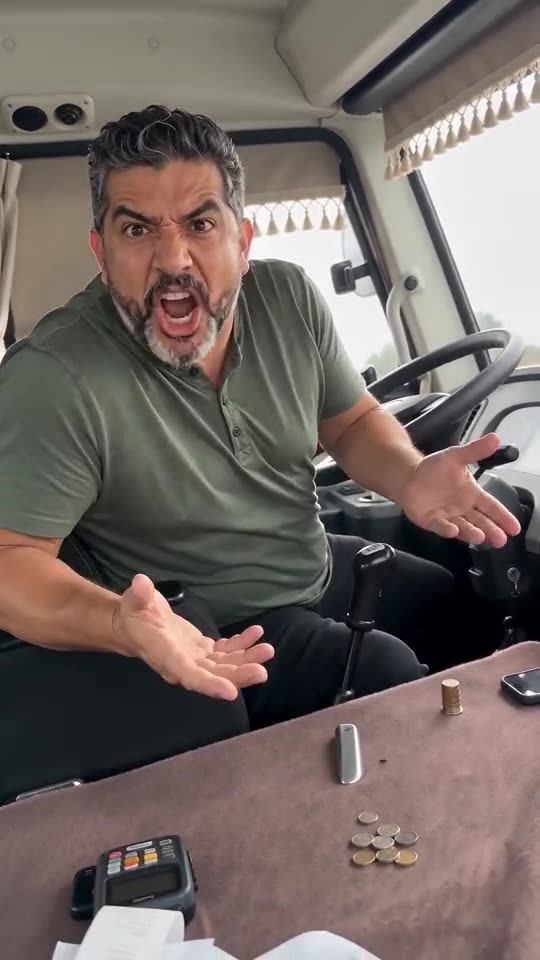
The model loses your face when it can't see it well, and in this trend the head swings round while the mouth stretches open. Go for a sharp, bright, front-facing photo with the face filling a third of the frame and no sunglasses. Check a bonus preview first if your pack includes one.
Usual suspects
- Small face: you stand far from the camera in the photo.
- Sunglasses or a cap: your eyes become guesswork for the model.
- Side-on shots: the driver turns anyway, so begin from a straight-on view.
A quick fix routine
- Pick a fresh photo that meets the photo guide.
- Run the preview, if you have a bonus preview, and compare the face with your photo.
- Render the full video only after that, because each full render uses 1 credit.
Questions people ask
Is a face that changed counted as a failed video?
No. Only renders that never finished count as failed, and their credit comes back automatically.
Why does my face drift as the head turns?
A turned head hides part of the face and the model fills in the blanks. Starting from a crisp front-facing photo gives it more to go on.
Do I need a subscription for this?
No. Credits come in one-time packs that never expire, and each 14-second video uses 1 credit.
Take the wheel: make your own video
Add one photo. Every pack includes bonus previews, so you can check your photos before spending a credit. The finished video carries no watermark. Nothing to subscribe to.
Make my video