Why does the face change in my Mandem in Disguise AI video, and what helps?
Updated:
Short answer
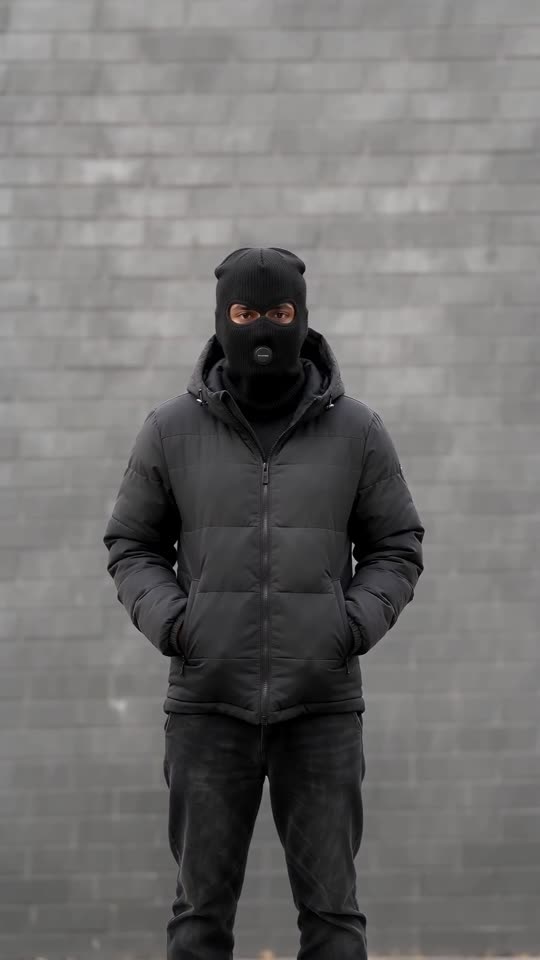
Drifting faces usually trace back to the source photo: small, dim, filtered or looking away. Since only the eyes stay visible after the flash, the model has little to anchor on. Use a sharp, well-lit, front-facing photo with clear eyes, try a 5-second bonus preview first and render the full video afterwards.
Quick fixes
- Crop tighter so the face fills more of the frame and stays sharp.
- Take the photo in daylight, without sunglasses or a beauty filter.
- Choose a shot where you look at the lens.
- Put only one adult in each photo.
Why it drifts
After the flash the balaclava covers all but the eyes, so the model leans on your eyes, build and skin tone. The sharper the photo, the more it has to lean on.
Common questions
Do I pay for a failed video?
No, a failed run gives its credit back by itself.
Is the result identical for an identical photo?
Not exactly; each run varies a little, even from the same photo.
Will trying again give a different result?
Yes. Every run is generated from scratch, so details shift. Another run costs 1 credit, and the bonus previews that come with every pack are the cheapest way to test a photo first.
Your own balaclava flash clip starts here
Send in one photo and get back a 10-second HD clip, priced from $8.88. The full video is watermark-free and nothing renews monthly.
Make my video