How do I turn my photo into a Mandem in Disguise clip with AI?
Updated:
Short answer
Give Ozil Goal AI one adult photo and choose a wall and an outfit; the flash flip is built for you. Test with a 5-second bonus preview, then spend 1 credit on the 10-second 720p render and add your sound in TikTok. No prompt writing is needed, and you can close the tab while it renders.
The steps
- Start in the generator on the template page by adding a photo.
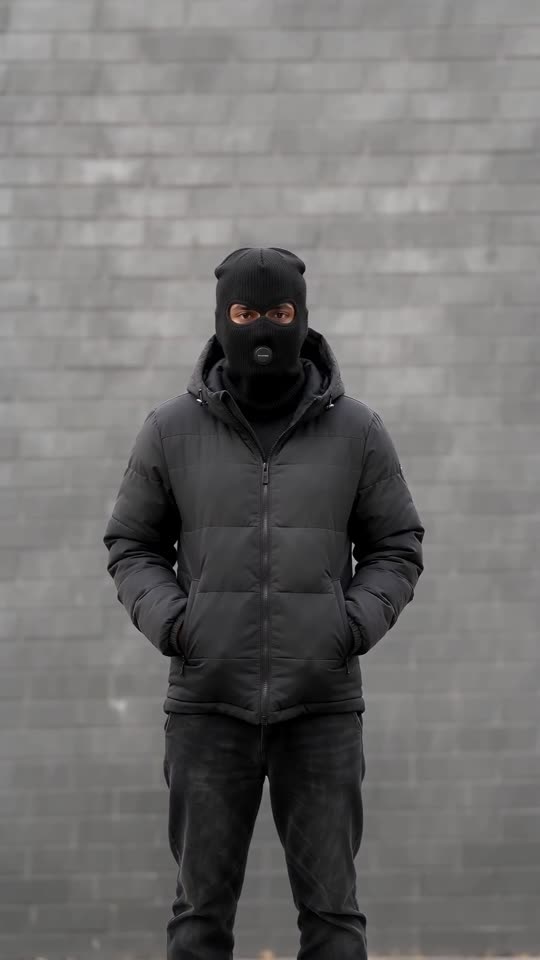
- Choose a wall and an outfit. Walls: grey brick, red brick, garage door, night street lamp. Outfits: black puffer, tracksuit, trench coat.
- Pick the shape: vertical 9:16 for TikTok, Reels and Shorts, wide 16:9 for YouTube and desktop.
- Confirm photo consent and sign in with Google.
- Check with a bonus preview (5 seconds, 480p), looking at the face and the flash.
- Spend 1 credit on the full render, then download the MP4.
What is already decided
One preset scene, based on the viral format, already holds the wall, the locked camera, the smile, the flash, the black disguise and the nods. All your photo decides is who appears.
Expect faces and motion to differ slightly between runs.
When it is done
Each finished video is saved to My videos, from which you can download it or copy a share link. For adding a sound, see the sound guide.
Ozil Goal AI works on its own and has no connection to the artist or to the people who posted the trend.
Common questions
Is a prompt needed?
No. You pick a photo, a wall, an outfit and a shape, and the scene itself is preset.
May I close the tab during rendering?
Yes. Rendering carries on on our servers, and the result waits in My videos under your account.
Which shape suits my platform?
Vertical 9:16 fits TikTok, Reels and Shorts; wide 16:9 fits YouTube and desktop. Bonus previews work with either.
Your own balaclava flash clip starts here
Send in one photo and get back a 10-second HD clip, priced from $8.88. The full video is watermark-free and nothing renews monthly.
Make my video