Making a What Stop Sign video with AI, step by step
Updated:
Short answer
Add one pet photo, pick a hoodie and start the 5-second preview if you have a bonus preview. Once the face looks right, 1 credit renders the 11-second video. Save it, then begin the bodycam sound at 0 seconds in TikTok.
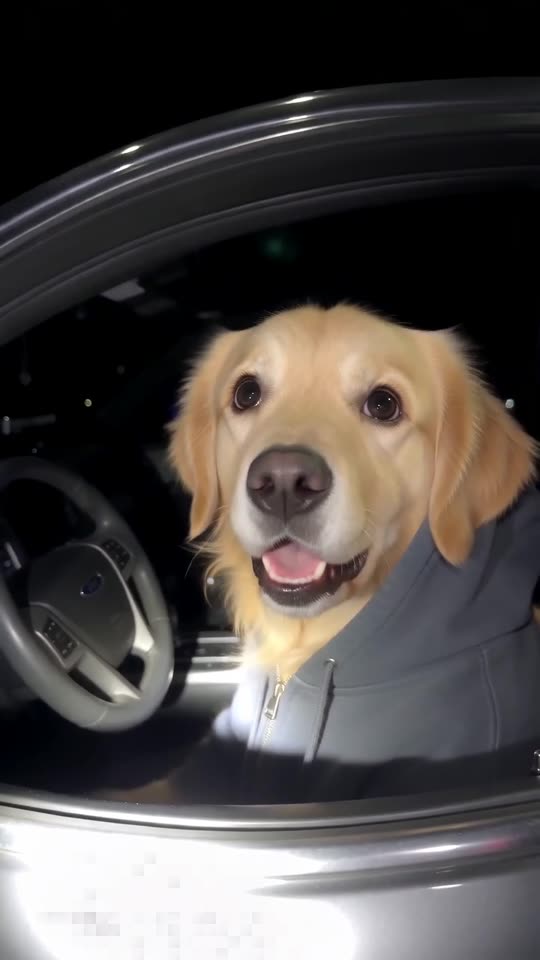
Choose the photo
- A single pet with a large, crisp face.
- Eyes open and clearly visible.
- Natural or bright indoor light, filters off.
Lay the sound on
Take the silent download, open TikTok, choose Add sound and pick one of the bodycam audios the pet clips use. Let it start at 0 seconds.
Questions people ask
Is any editing needed?
No. What you download is already finished; laying the bodycam sound over it is the only step left.
How long is the wait?
Usually a few minutes. You can shut the tab and pick the file up later in My videos.
Can I post the result straight to TikTok?
Yes. Download the MP4 from My videos, upload it in TikTok or Reels and add the bodycam sound there. Keep the vertical 9:16 shape for the feed.
Get your own pet pulled over
One pet picture starts it. Every pack includes bonus previews, so you can check your photos before spending a credit. Pay per video, never by the month.
Make my video