Getting the bodycam sound to match your What Stop Sign clip
Updated:
Short answer
The audio is a real police bodycam recording from Daytona Beach, Florida (May 2025), in which a driver keeps saying “Stop sign? What stop sign?”. TikTok shares it as “original sound” uploads. Our video has no dialogue, so add that audio from 0 seconds. The @9w9lxhojgk8ufz tutorial carries the same audio and is open to everyone.
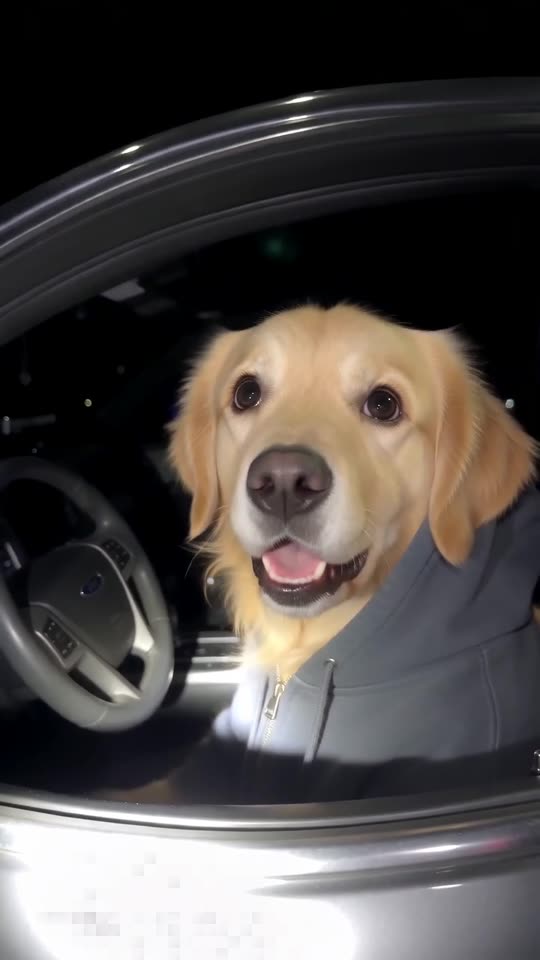
Why the clip is silent
The lines belong to an actual recording of actual people. We do not generate or copy them, so the audio is yours to choose in TikTok, where it already circulates as a sound.
If it drifts
- Set the sound to begin at the very first frame.
- Take the silent file.
- Uploads of the audio are trimmed differently; shift it a few frames if needed.
How to add the original sound in TikTok
Short version: download your video, open the original clip in TikTok, tap its sound name, choose Use this sound and add your video. The full tutorial with a video is on the template page.
Questions people ask
Which sound is the right one?
Any bodycam audio attached to the pet clips works. The hoodie dog clip we follow has its sound locked, so pick the identical audio on the @9w9lxhojgk8ufz tutorial instead.
Can I use a different sound?
Yes. The clip has no dialogue, so any audio fits. The bodycam sound just matches the pacing best.
Why does my sound start late?
Uploads of the audio begin at slightly different points. Trim it so the first word lines up with the first frame.
Get your own pet pulled over
One pet picture starts it. Every pack includes bonus previews, so you can check your photos before spending a credit. Pay per video, never by the month.
Make my video