Why the face in my Window Peeper video isn't mine
Updated:
Short answer
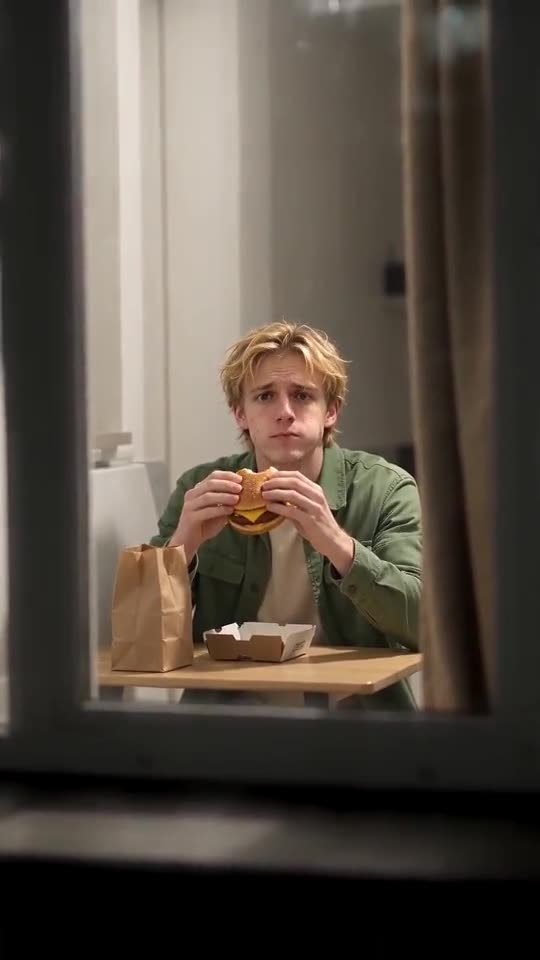
The model slips when it can't read the face, and this scene seats you in a far-off window at night. Use a bright, sharp, front-facing photo with the face filling a third of the picture, and run the 5-second preview before spending a credit.
Likely reasons
- A small face: you are too far from the lens in the original picture.
- Dim or yellow lighting: skin and hair tones become guesswork.
- Warm kitchen glow: the scene tints skin a little, like the real clips do.
What to do
- Swap in a photo that follows the photo guide.
- Run the preview, if you have one, and put the face next to your original.
- Render the full clip last, because that step spends 1 credit.
Questions people ask
Is a different-looking face a failed render?
No. A failed render never finished, and that one refunds its credit by itself.
Why is the face sharper late in the clip?
The zoom closes in on the window, so you see the face best during the stare and the curtain pull.
Will another photo cost more?
It costs one more credit for a 14-second render. Previews are a cheaper way to test a different picture.
Your face in the window
Drop in one photo. Every pack includes bonus previews, so you can check your photos before spending a credit. The full video carries no watermark.
Make my video