Adding the Window Peeper sound so it lands on cue
Updated:
Short answer
We found no released song: the trend uses TikTok “original sound” uploads. The clip we follow (@capcutfever) uses “original sound – capcutfever”, and the template post that started the trend uses “original sound – rodentspawn”. Save the silent copy and add the first one from 0 seconds, so the zoom, the stare and the curtain land together.
What is in the file
A cheerful AI instrumental over night-time ambience, with no voices. A silent copy is available as well.
If the timing feels off
- Confirm the sound begins at 0 seconds.
- Use the silent download so our music does not clash.
- Copies of the same audio are trimmed differently; slide it a few frames either way.
Slow on purpose
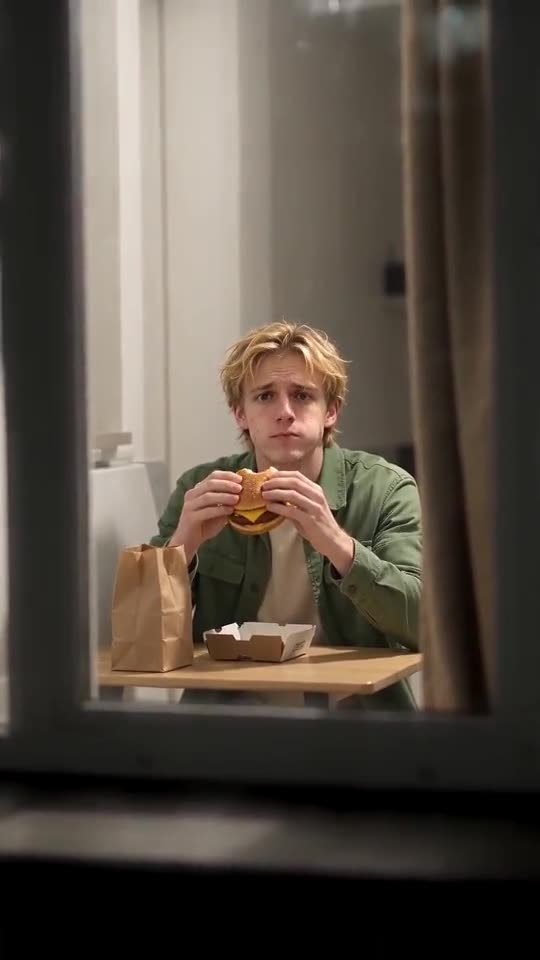
The video is slow on purpose. The zoom takes about two seconds, then from 2.3 to ten seconds there is one bite and a long stare while chewing, and the curtain is drawn from about eleven seconds. A fast, busy sound will fight that, so pick one with a quiet middle and start it at 0 seconds, which gives the end of the zoom something to land on.
How to add the original sound in TikTok
Short version: download your video, open the original clip in TikTok, tap its sound name, choose Use this sound and add your video. The full tutorial with a video is on the template page.
Questions people ask
Which version of the sound is best?
Use the one on the template posts. The audio from the clip with 4.2 million views fits our pacing most closely.
Why isn't the sound built in?
It was made by other people. TikTok offers it as a shareable sound, which is the proper way to use it.
Are silent and sound versions priced differently?
No. You get both from the same 14-second render, which costs 1 credit.
Your face in the window
Drop in one photo. Every pack includes bonus previews, so you can check your photos before spending a credit. The full video carries no watermark.
Make my video