Making a Window Peeper video with AI, start to finish
Updated:
Short answer
Upload a photo, choose the food and, if you have a bonus preview, run the bonus 5-second preview. When the face looks right, use 1 credit to render the 14-second clip, save it and lay the trending sound on top in TikTok, starting at 0 seconds.
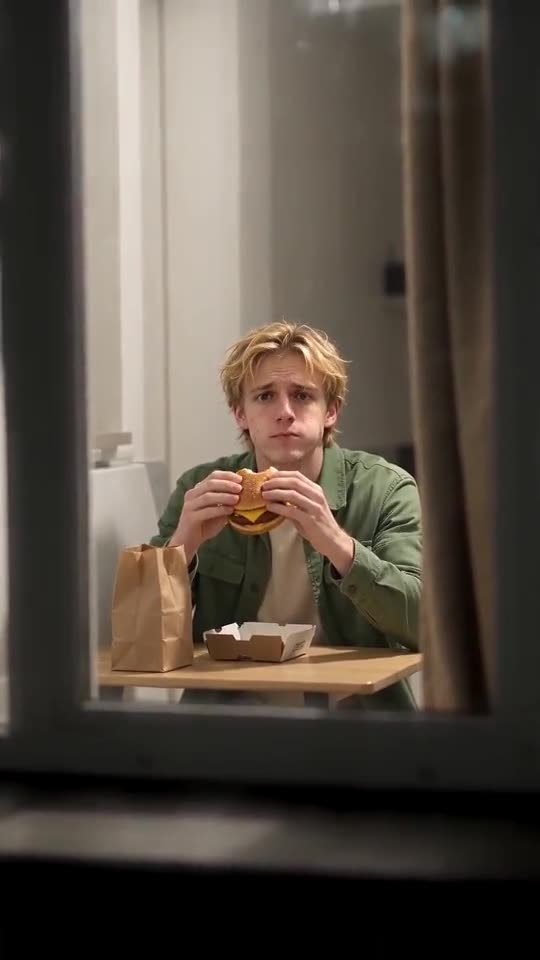
Photo checklist
- One person or pet, face large and in focus.
- Both eyes showing.
- Daylight or a bright room, and skip the filters.
The sound step
Grab the silent download, then in TikTok choose Add sound and search for the Window Peeper one. Begin it at 0 seconds.
Questions people ask
Do I cut or edit the clip myself?
No, it comes out ready to post. Only the sound is left to you.
What's the render time?
Typically a few minutes. You may close the tab; the result is saved in My videos.
Does this renew monthly?
It doesn't. Packs are one-off, credits last, and a 14-second clip costs 1.
Your face in the window
Drop in one photo. Every pack includes bonus previews, so you can check your photos before spending a credit. The full video carries no watermark.
Make my video