Why did the face change in my giant ramp video, and how do I fix it?
Updated:
Short answer
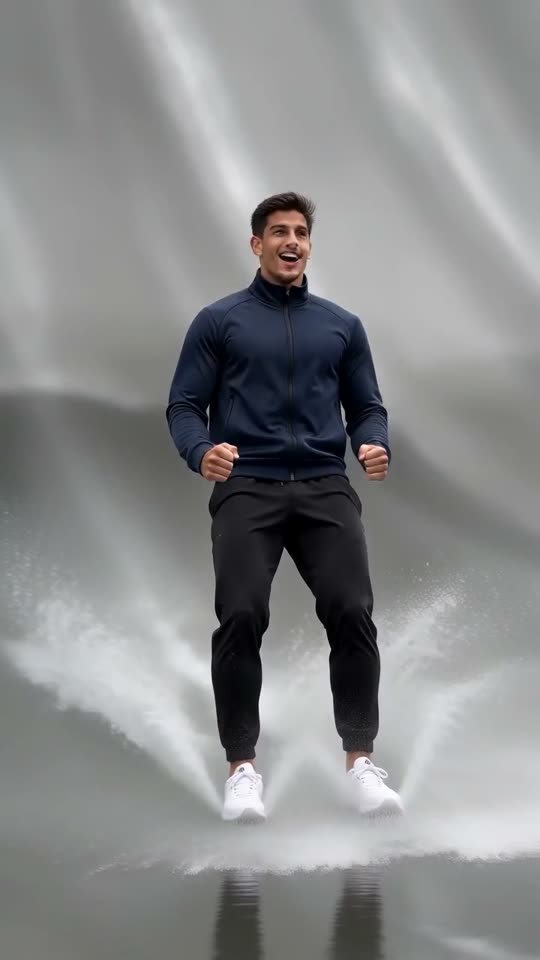
Faces slip when the source photo is small, dark, filtered or angled away. In this clip you also shrink, flip and slide, so the model has to hold your face through heavy movement. A sharp, bright, front-facing photo plus a 5-second bonus preview before the full render gives the best odds.
Quick fixes
- Crop in so the face fills more of the frame.
- Shoot in daylight, without sunglasses or a beauty filter.
- Choose a shot where you look at the lens.
- One adult per photo, please.
Why it happens
For most of the clip you are small and moving fast, and the face is large only at the end, so a cleaner source photo gives the model more to hold on to.
Questions people ask
Do I pay for a failed video?
No, the credit comes straight back.
Will a repeat with the same photo look identical?
Not exactly. Each run differs slightly, even from an identical photo.
If I run it again, will the face change?
It can. Every render starts from scratch, so small details shift. A rerun costs 1 credit, while a bonus preview from your pack is the cheaper way to test a photo.
Your turn on the giant ramp
One photo in, 5 seconds of HD out, from $8.88. You pay once per pack, and the finished file has no watermark.
Make my video