Which sound goes with it, and how do I add one?
Updated:
Short answer
This trend has no fixed song: the post we follow plays its creator’s own sound. Our clip carries an AI-made soundtrack of splashes and a whoosh. When posting, choose a sound that is trending in TikTok, or start from the silent download and add yours.
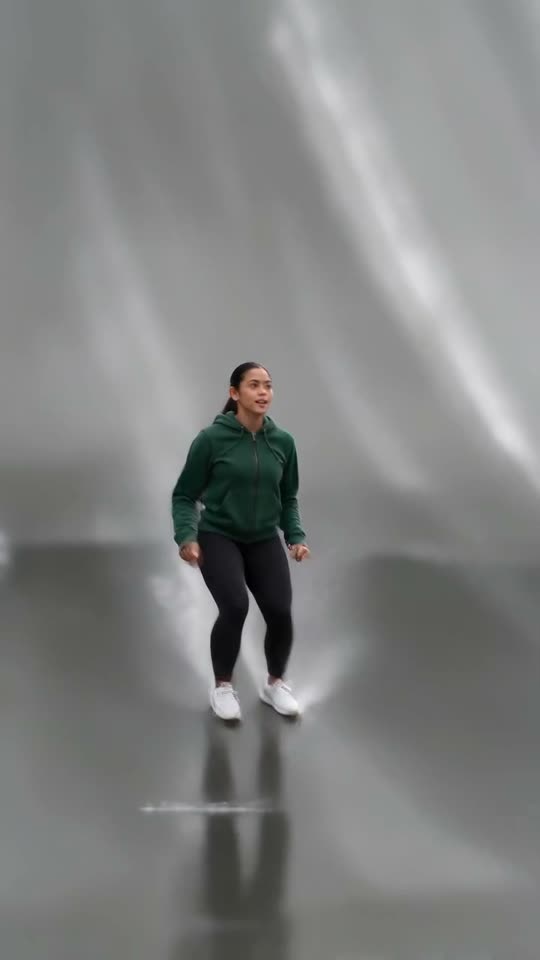
The audio you get
The soundtrack is generated together with the video, so it changes from run to run. It aims at a bassy instrumental beat, splashing feet and a whoosh at the flip, but a generated track can add invented voices. It is not a recording from the original.
Adding your own sound in TikTok
- Download the silent version from My videos.
- Upload it in TikTok and tap Sounds.
- Choose whatever is trending, then drag it until its beat lands on the flip.
- Cut the sound down to 5 seconds and publish.
Why no sound is bundled
Sounds belong to their owners, and the source post uses the creator’s own. Adding one inside TikTok keeps it licensed, while our file carries only the AI-made track.
Putting a sound on your giant ramp video in TikTok
Our clip carries an AI-made soundtrack and is not synced to any sound. The source post plays its creator’s own sound instead of a song, so there is nothing fixed to copy: use whatever is popular in TikTok when you post, or take the silent version from My videos.
- Save the video from My videos (take the silent version if only your sound should play).
- Open TikTok, press Upload and pick the video you saved from us.
- Tap Sounds, then choose something popular right now or record a voice-over of your own.
- Open Volume and lower the clip’s own audio if only your sound should play. Slide your sound until its beat lands on the flip, cut it to the video’s length, then post.

Need to move where the sound starts? This short video shows how to trim it.

Video: How To Trim Sound On TikTok 2026 (Very Easy) by Software Solutions on YouTube
Questions people ask
Is there an official song?
None that we found. The post we follow uses the creator’s own sound, and people usually pick whatever is trending.
Can I use the AI-made soundtrack as it is?
Yes. Download the version with sound, or the silent one if you only want your own.
Is the sound tied to any person or brand?
No link exists: Ozil Goal AI is independent of the creator behind the post we follow.
Your turn on the giant ramp
One photo in, 5 seconds of HD out, from $8.88. You pay once per pack, and the finished file has no watermark.
Make my video