Which photo works best for the giant ramp climb?
Updated:
Short answer
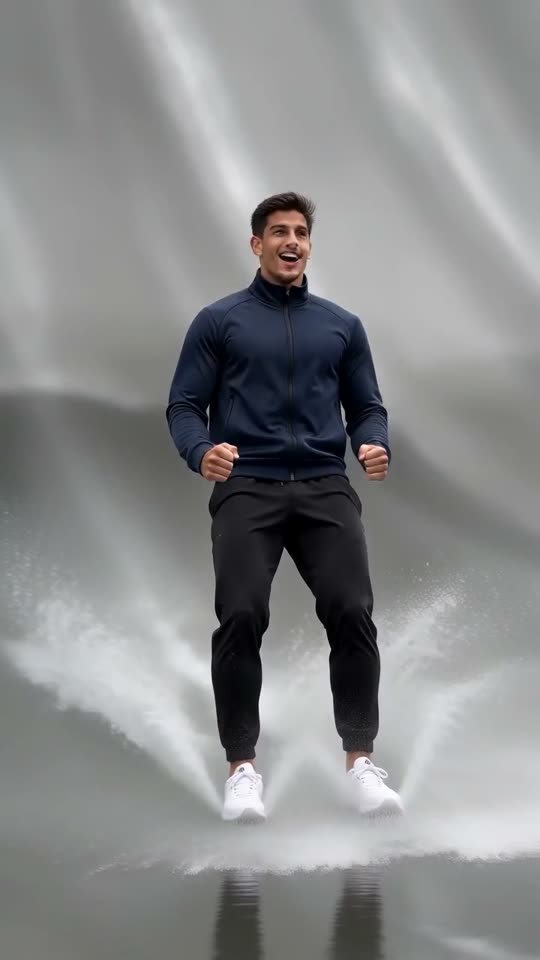
Send one clear photo of a single adult in good light, facing the camera, ideally full-body or waist-up. Your face and clothes follow you through the run, so sharpness pays off. Files: JPG, PNG or WebP, up to 10 MB, 300 to 6000 pixels per side.
File rules
- Formats: JPG, PNG or WebP, 10 MB at most.
- Dimensions: 300 to 6000 pixels per side.
- Shape: a width-to-height ratio from 0.4 to 2.5.
A good photo
- One adult, looking at the lens.
- Daylight or bright indoor light and a crisp face; sunglasses and masks hide too much.
- Full-body or waist-up, since the video has you run, flip and slide.
- Simple clothes, free of big prints and logos.
Who you may upload
Only adults who agreed to appear. Pets, toys, drawings, under-18s, celebrities and famous characters are not accepted. The details are in the photo consent rules and the acceptable use policy.
Questions people ask
Is a full-body shot a must?
Not a must, but helpful: a waist-up shot with a crisp face is fine too, because the video shows your full body anyway.
Should the background show a ramp or water?
No, any background works because the ramp is generated.
How long do you keep my photo?
Photos are private and are deleted automatically after 14 days.
Your turn on the giant ramp
One photo in, 5 seconds of HD out, from $8.88. You pay once per pack, and the finished file has no watermark.
Make my video