CapCut template or AI generator for the giant ramp climb?
Updated:
Short answer
The source tutorial is for a CapCut template, which runs inside that app on its own plan. Ozil Goal AI works on the web: one photo of an adult becomes a new 5-second clip with the sprint, climb, flip and slide, plus bonus previews in every pack.
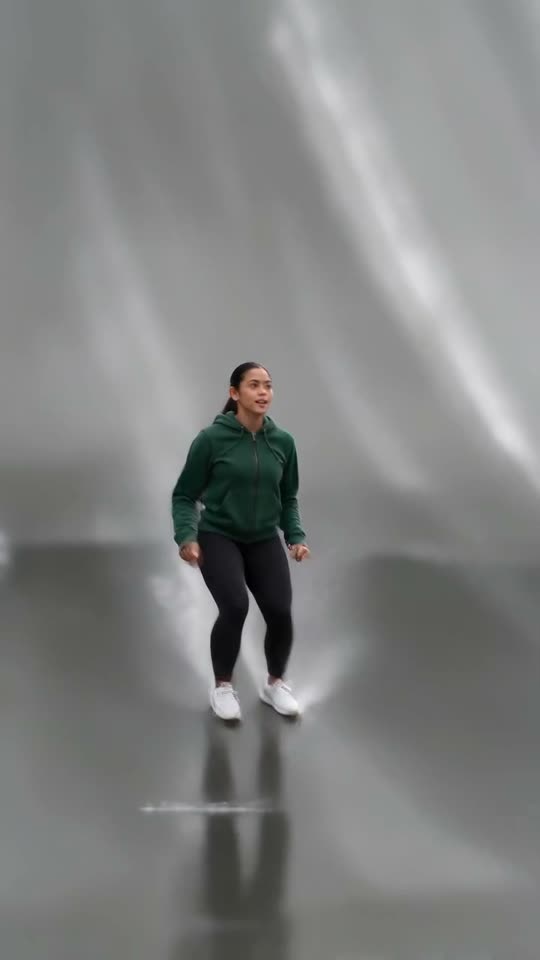
Template or generated stunt
- Where it runs: CapCut templates live inside that app and its scene. Ozil Goal AI runs in a browser and builds the wet ramp, the shallow water and the low tilting camera itself, with sunset, snow and floodlit night as alternatives.
- The stunt: sprint, flip near the crest and standing slide are the demanding parts, so compare how any template handles the flip and the landing.
- Your upload: one photo of one adult, full-body or waist-up, face to the camera; face and clothes follow you all the way.
- Your result: a 5-second 720p clip modelled on one effect demo from the @tei6707 post (about seconds 2 to 7 of 30); there is no real ramp and nobody climbs anything real.
- Price: CapCut has free and paid features, and plans change, so check them there. Here 1 credit gives one watermark-free video, and packs bundle bonus previews.
Which to pick
Templates work for people who enjoy editing and already live in that app. Ozil Goal AI fits people who want a ramp climb from their own photo with nothing to edit. The two also combine: generate here, then trim or caption the MP4 in CapCut.
Questions people ask
Is this made by CapCut or TikTok?
No. Ozil Goal AI stands on its own: CapCut, TikTok and @tei6707 did not make it, back it or license it.
Can I use both?
Yes: save the MP4, open it in CapCut and trim it, caption it or add a sound.
Which one is cheaper?
That depends on what you already use. Someone who likes the app and its templates pays little for one. With just a photo, Ozil Goal AI starts at $8.88, and every pack includes bonus previews.
Your turn on the giant ramp
One photo in, 5 seconds of HD out, from $8.88. You pay once per pack, and the finished file has no watermark.
Make my video