Singing Pet AI video: the mouth barely moves
Updated:
Short answer
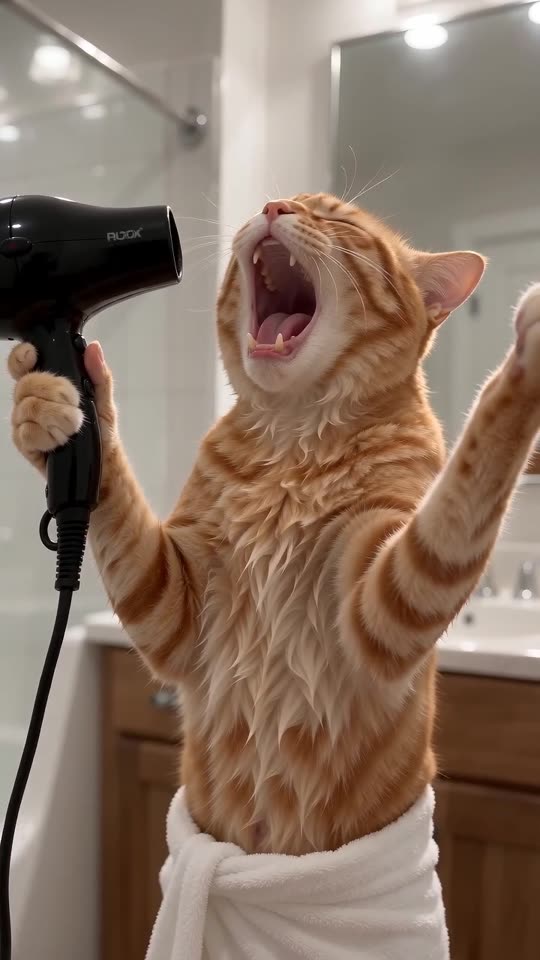
A shut or hidden mouth in your photo makes the model hesitate to open it. Use a front-on shot with the muzzle and mouth clearly in view, and watch the preview before you make the full video.
Usual causes
- Profile shot: the mouth is out of sight.
- Hidden muzzle: a toy, a hand or long fur in the way.
- Distant pet: the face is tiny in the picture.
Quick fix
- Use a photo taken from the front.
- Preview before you render.
- Keep the photo sharp and well lit.
Questions people ask
Does this mean the video failed?
No. A failed video is one that never finished, and the credit comes back automatically.
Would a different bathroom help?
Not really. The mouth depends on your photo, not on the room.
Should I just rerun the same photo?
Check the preview first. A different front-facing photo is a better bet than a rerun.
Put your own pet on the bathroom mic
A single pet photo gets you in. Every pack includes bonus previews, so you can check your photos before spending a credit. You pay once per video, never monthly.
Make my video