Getting the trending sound to match your Singing Pet clip
Updated:
Short answer
The trend uses “original sound – reggie”, a sound uploaded by a TikTok user, not a released song; who made the audio is not verified. Every 10-second clip we compared uses it. Save the silent file, open TikTok, tap Add sound, search that name and start it at second zero, so the high notes land together.
Why the timing works
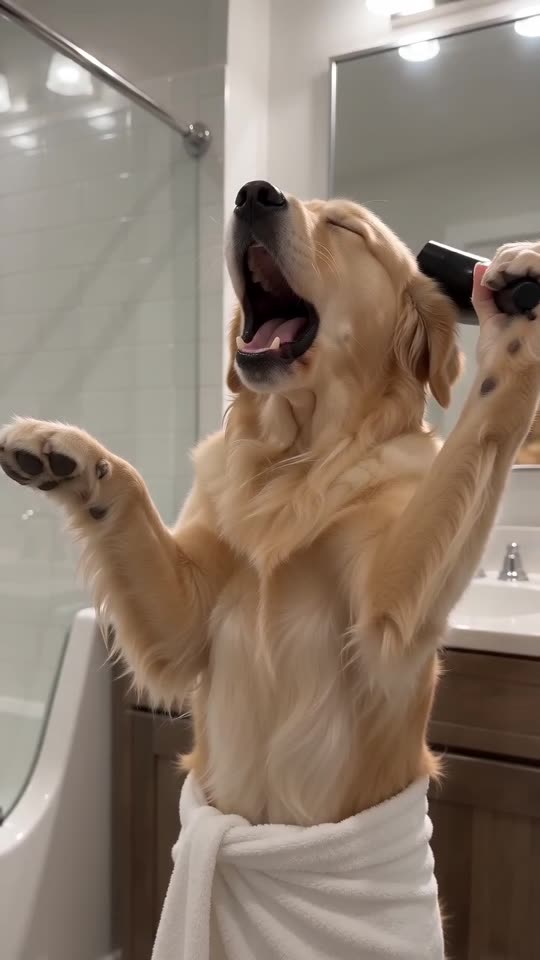
All of the viral clips last 10 seconds, so we built ours on their pacing. The mouth opens on the same beats, which means the sound goes on as is.
If it slips
- Start the sound at exactly 0 seconds.
- Take the silent file so two audio tracks don't compete.
- Slide the sound a few frames in your editor.
How to add the original sound in TikTok
Short version: download your video, open the original clip in TikTok, tap its sound name, choose Use this sound and add your video. The full tutorial with a video is on the template page.
Questions people ask
Can another song go under it?
Yes. The clip has no words, so any track fits. The trend's own sound simply matches best.
Does the download include the sound?
No. Add it in TikTok, where it is ready to pick.
Does the trending sound change over time?
It can. Creators move on to newer sounds, and a sound can disappear from TikTok. The video itself has no words, so any track still fits.
Put your own pet on the bathroom mic
A single pet photo gets you in. Every pack includes bonus previews, so you can check your photos before spending a credit. You pay once per video, never monthly.
Make my video