Making a Singing Pet video with AI, step by step
Updated:
Short answer
Add one pet photo, pick a bathroom and start the 5-second preview if you have a bonus preview. Once the face looks right, 1 credit renders the 10-second video. Save it, then begin the trending sound at 0 seconds in TikTok.
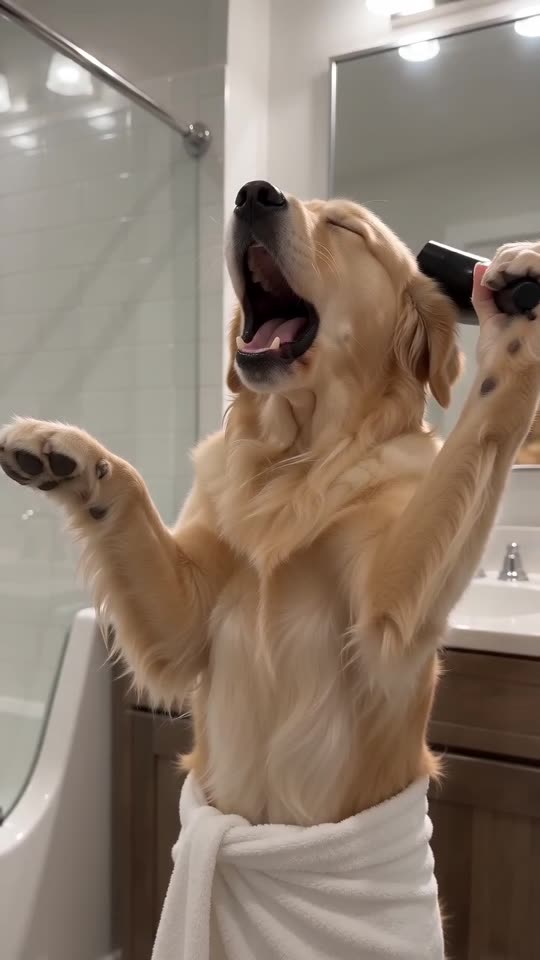
Choose the photo
- A single pet with a large, crisp face.
- Eyes open and aimed near the lens.
- Natural or bright indoor light, filters off.
Sync the sound
Save the silent file, go to TikTok, choose Add sound and search for the trend's sound. Begin it at 0 seconds. The high notes and the closing note already sit on the right beats.
Questions people ask
Is any editing needed?
No. The clip arrives finished, and the sound is the only extra step.
How long is the wait?
A few minutes in most cases. Close the tab if you like and collect it from My videos.
Can I post the result straight to TikTok?
Yes. Download the MP4 from My videos, upload it in TikTok or Reels and add the trending sound there. Keep the vertical 9:16 shape for the feed.
Put your own pet on the bathroom mic
A single pet photo gets you in. Every pack includes bonus previews, so you can check your photos before spending a credit. You pay once per video, never monthly.
Make my video