Crew or flames look wrong in my Talk Dirty AI video
Updated:
Short answer
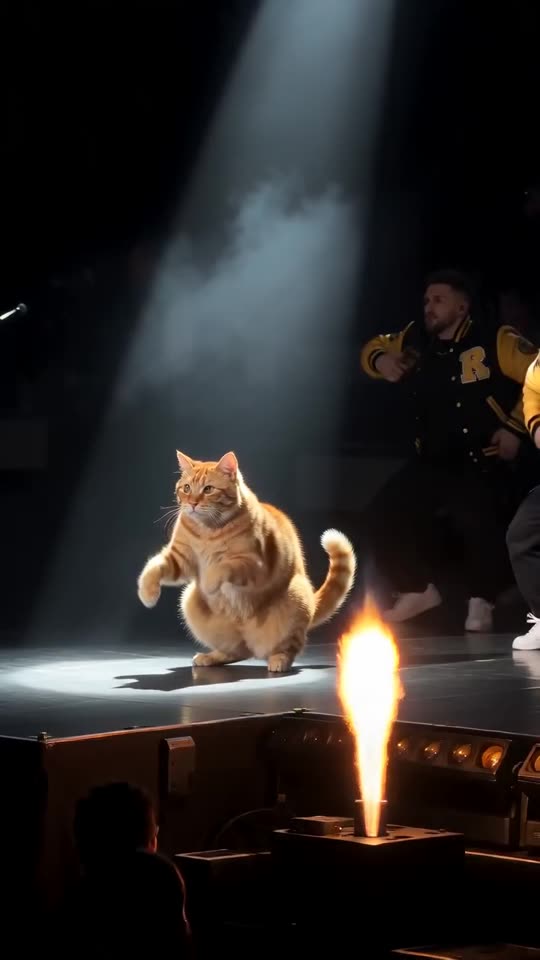
The model sometimes blends two backup dancers into one, lets someone drift out of time or fires a flame late. A clear, full-length shot of a single subject keeps the lead distinct from the crew. Try the bonus 5-second preview before the full video, and stay on the default jackets, the closest match.
What to change
- One adult or pet, full length, in a sharp photo.
- An outfit that doesn't blend into the crew's jackets.
- A plain backdrop.
- The default yellow jackets, closest to the reference.
What to expect
Every render is a fresh AI run, so crew and flames vary a bit. The beats keep the same order.
Questions people ask
Does this count as a failed render?
No. The video was delivered, so its credit is spent. Only renders that fail outright are refunded.
Do other jackets help?
Occasionally, when your outfit is near yellow. The photo itself weighs more.
Should I expect monthly charges?
No. Packs are paid once, credits last, and a 15-second video costs 1.
Put yourself on that stage
Add a single photo. Every pack includes bonus previews, so you can check your photos before spending a credit. Full videos have no watermark.
Make my video