Why did the face change in my Talk Dirty AI video?
Updated:
Short answer
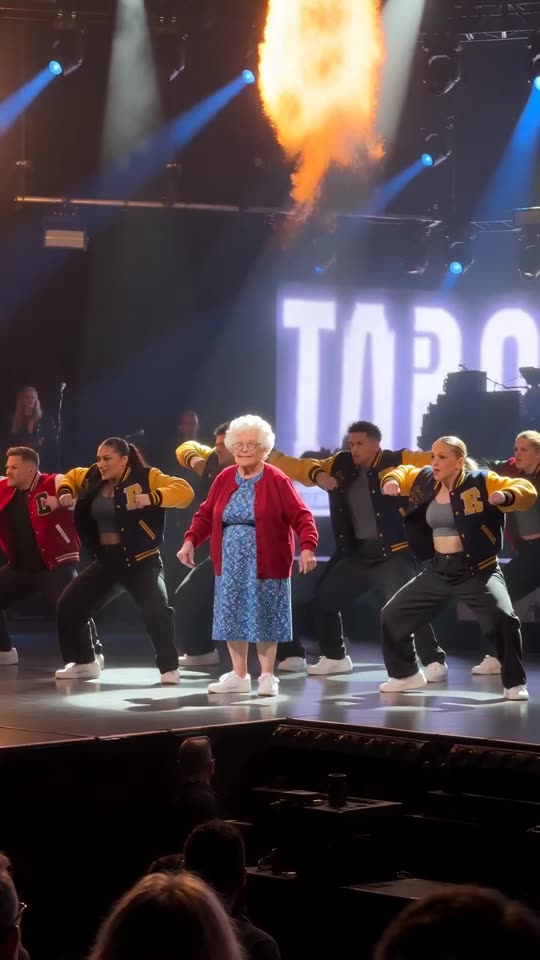
Likenesses slip when the photo is tiny, dark, filtered or angled away, and when the virtual camera stands far back in the crowd. Feed it a bright, sharp picture with the face turned to the lens. Test it in the bonus 5-second preview before you commit to the full render.
Quick fixes
- Crop in so the face is big and crisp.
- Shoot in daylight, without sunglasses or beauty filters.
- Pick a shot in which the subject faces the camera.
- Never more than one pet or person in the shot.
The cause
The phone-in-the-crowd camera views the lead from afar under harsh stage lights and flicker. A cleaner source photo gives the model more to work from.
Questions people ask
Do failed runs cost credits?
No, a failed run gives its credit back by itself.
My cat's colours shifted. What now?
Shoot again in good light so the fur and its markings are easy to make out.
Is this billed monthly?
No. A pack is a single purchase, credits never expire, and a 15-second video takes 1.
Put yourself on that stage
Add a single photo. Every pack includes bonus previews, so you can check your photos before spending a credit. Full videos have no watermark.
Make my video