Making a Talk Dirty AI dance video, step by step
Updated:
Short answer
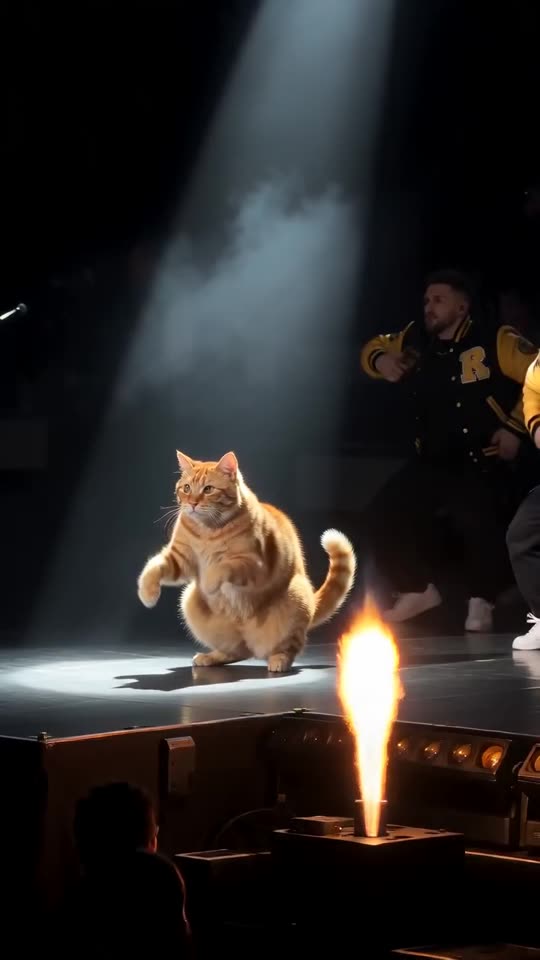
Send in a photo of yourself, an adult friend, your cat or your dog, pick the jackets, and Ozil Goal AI assembles the concert. Look at the bonus 5-second preview if you have one, then spend 1 credit on a 15-second 720p video. Put the trending sound on in TikTok, starting at 0 seconds. You write nothing.
The steps
- Open the generator on this page and add a picture.
- Jackets: yellow varsity, red varsity or black bombers, whichever you like.
- Choose the shape. 9:16 works for TikTok, Reels and Shorts; 16:9 fits YouTube and desktop.
- Confirm photo consent and sign in with Google.
- Test with a bonus preview (5 seconds, 480p), judging the face and the squat under the spotlight. They are included in every pack.
- Render the full video with 1 credit and keep the MP4.
- Finish with the sound in TikTok: use the clip we follow and set it to begin at 0 seconds.
What the fixed scene handles
The stage, the crew, the flame cannons and the phone camera in the crowd are all part of one scene modelled on the viral clip.
The beats come in the same order each time, so the trending sound fits as long as it begins at 0 seconds. Faces and moves can still vary between runs.
Once it is done
Which sound to use before posting is covered in the sound guide.
Ozil Goal AI operates on its own, with no link to the artists or the people who posted the original clips.
Questions people ask
Is any prompt-writing involved?
No. You pick the photo, the jackets and the shape; the rest is built in.
Should the photo show me dancing?
No. A plain, clear, full-length photo is best, and the dancing is generated.
May I leave while it renders?
Yes. The render carries on server-side and the result lands in My videos on your account.
9:16 or 16:9?
Choose 9:16 for TikTok, Reels and Shorts. Choose 16:9 for YouTube or a desktop screen.
Put yourself on that stage
Add a single photo. Every pack includes bonus previews, so you can check your photos before spending a credit. Full videos have no watermark.
Make my video