Talk Dirty AI video: dance moves don't match the sound
Updated:
Short answer
The sound is usually the culprit, not the video. Take the original sound from the @avecmoi411 clip, the one our video tracks, and begin it at 0 seconds. The studio song listing times differently. Every render is made from scratch, so some drift of a few frames is normal.
Fixing it in your editor
- Choose the full 15-second video over the preview.
- Get the audio from the @avecmoi411 clip.
- Set the sound to start at 0 seconds.
- Turn the video's own audio down or off.
Why it slips
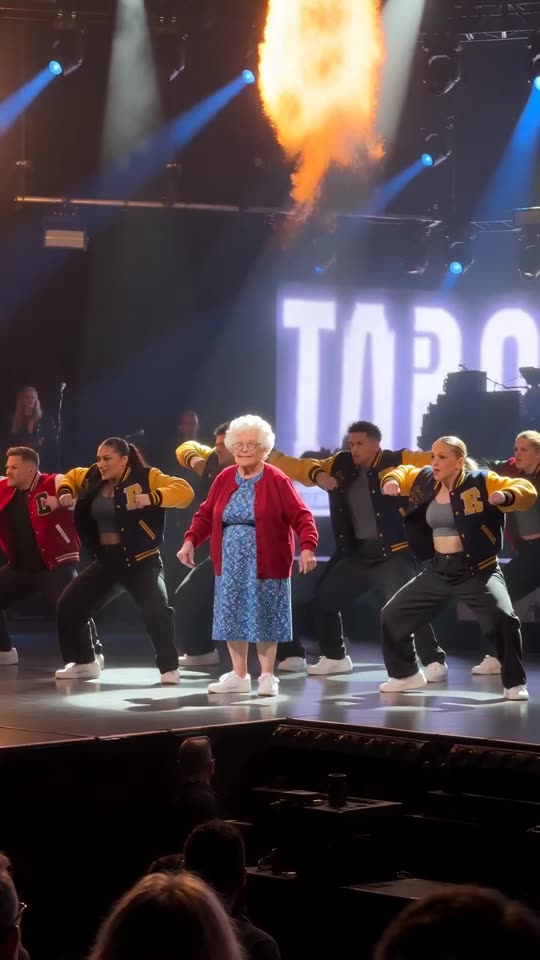
Our clip tracks the viral one, but the model still improvises each move, so a squat or a burst of flame can arrive a few frames ahead or behind.
Questions people ask
Will you re-run a video that rendered fine?
No. A render that finished correctly is not re-run at no charge.
Is the silent file any use?
Yes, because only the sound you add is left.
Is there a recurring fee?
No. Credits are bought once and never expire, and a 15-second video costs 1.
Put yourself on that stage
Add a single photo. Every pack includes bonus previews, so you can check your photos before spending a credit. Full videos have no watermark.
Make my video